

Everyone knows how to run git commit. Far fewer people know how to make good commits. The difference does not show up today—it shows up six months from now, when you run git blame on a buggy line and find the eternal message: "final tweaks." Git is not a backup. It is a communication tool for the team, and the team includes your future self.
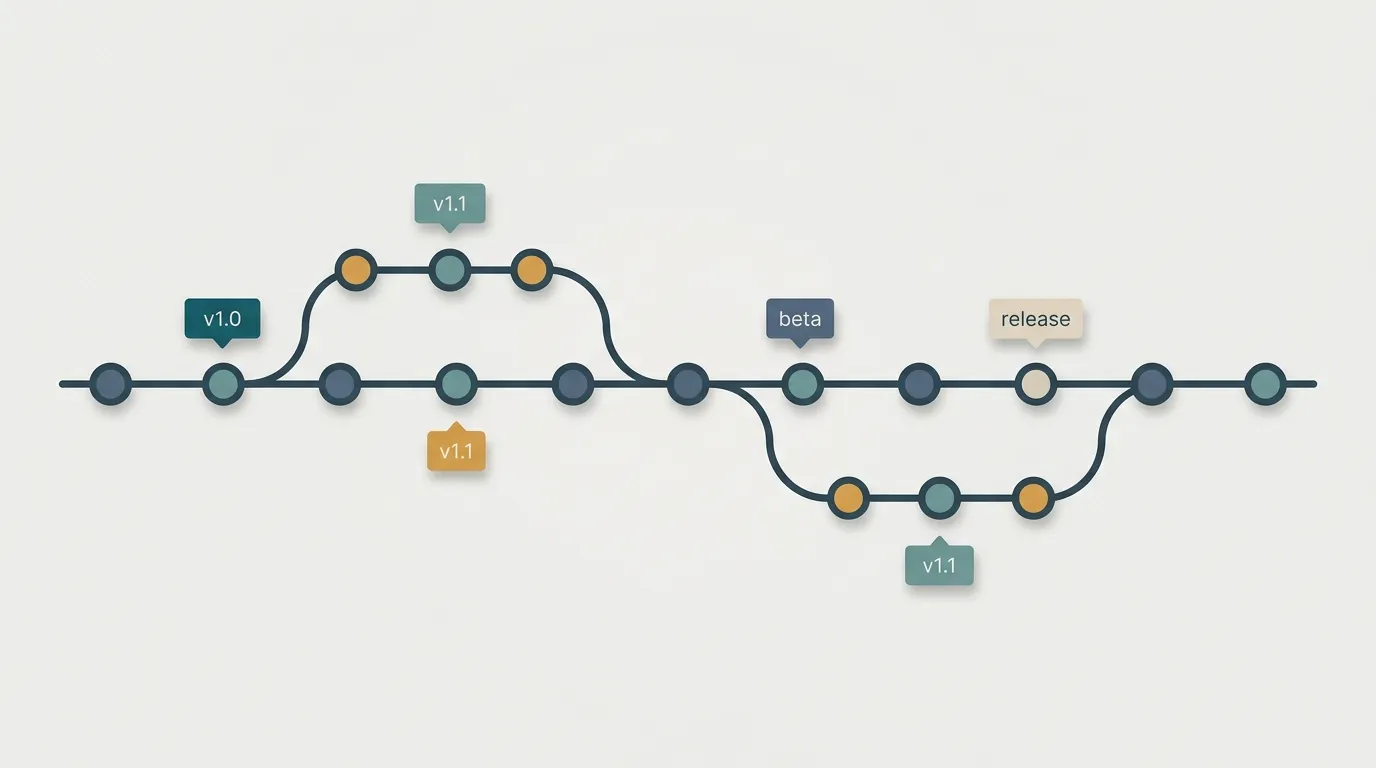
A small commit is a gift to your future self
A good commit does one thing. Renamed a function? One commit. Fixed the timeout bug? Another commit. Adjusted indentation? Preferably, do not commit it along with anything else.
The problem with a giant commit that mixes refactoring, a fix, and formatting is not aesthetic. It is practical: when that bug comes back in production, you will want to run git revert only on the fix—and you will not be able to, because it is tangled up with 400 other changed lines.
Atomic commits keep git bisect practical, make git revert surgical, and keep the history readable. Rule of thumb: if you need an “and” to describe the commit, it is probably two commits.
Good message: imperative in the first line, the why in the body
The first line is a short summary—around 50 characters—in the imperative, as if it completed the sentence “if applied, this commit will...”: “Fix image upload timeout.” Not “fixed,” not “fixing.” Git itself uses the imperative in automatically generated messages; follow the pattern.
Then add a blank line and the body. And here is what separates a good message from a useless one: the body explains why, not what. The diff already shows what changed. What it does not show is that you replaced the library because the old one ran out of memory above 2 MB. That is what someone—perhaps you—may need to know later.
Short branch, small PR, fast review
A branch that lives for two weeks turns merge day into a conflict festival. The longer it stays away from main, the more the world changes underneath it.
Break the task into slices. Each branch should last hours or a few days, not weeks. The same applies to the PR: a 200-line PR gets a real review, with people reading it line by line. A 2,000-line PR gets an “LGTM” and a rocket emoji—because nobody reviews 2,000 lines on a Saturday afternoon. A small PR is not bureaucracy; it is the only way an honest review can happen.
Rebase or merge: it depends on who will read the history
Both integrate changes, but they tell different stories. merge preserves what actually happened, with the merge commit marking where the lines came together. rebase rewrites your branch as if you had started from the latest state—a clean, linear history without “merge branch main into main” cluttering the log.
In practice: use rebase to clean up your local branch before opening a PR—update it with main and squash the “fix typo” commits into one decent commit. Use merge to bring the reviewed branch into main.
And here is the rule with no exceptions: never rebase something that has already been published and that someone else may have pulled. Rebase rewrites hashes; if the commit is already public, you have just created two diverging histories and a git push --force that will ruin someone’s morning.
A conflict is not a fight—resolve it calmly
A conflict is scary the first time because Git dumps those <<<<<<< markers into the middle of the file and it looks like everything broke. It did not. Git is simply saying: “two people changed this area; you decide.”
Take a breath. git status lists exactly which files need attention. Open them one at a time. Between the markers are the two versions: yours and the incoming one. Read both—the goal is not to pick a side by force, but to understand what each change was trying to do and produce a version that accommodates both. Remove the markers, run your tests, use git add, and move on. Rushing here is how you overwrite someone’s work without realizing it.
What should NEVER enter the repository
One short, non-negotiable rule: never version-control secrets. No .env files, API keys, tokens, or credentials.json. Put everything in .gitignore before the first commit, not afterward—because “afterward” is already too late. Once a secret enters the history, it remains there even if you delete the file in the next commit; anyone with the repository can run git log and find it.
Aside from secrets, do not version-control anything that can be regenerated: node_modules, dist/, build/, .DS_Store, and logs. That is not code—it is noise that bloats the repository and creates unnecessary conflicts.
Good Git is not about memorizing commands. It is about remembering that someone on the other side is reading what you left behind. Make small commits, explain why, and treat .gitignore with the same care you give your code. Your self six months from now will thank you—or curse you. The choice is yours, one commit at a time.