

Everyone who opens Azure for the first time feels the same way: a huge dashboard with hundreds of services and no idea where to start. The good news is that you only need about five building blocks to get by—and they all fit in this article.

Subscription and resource group: getting organized
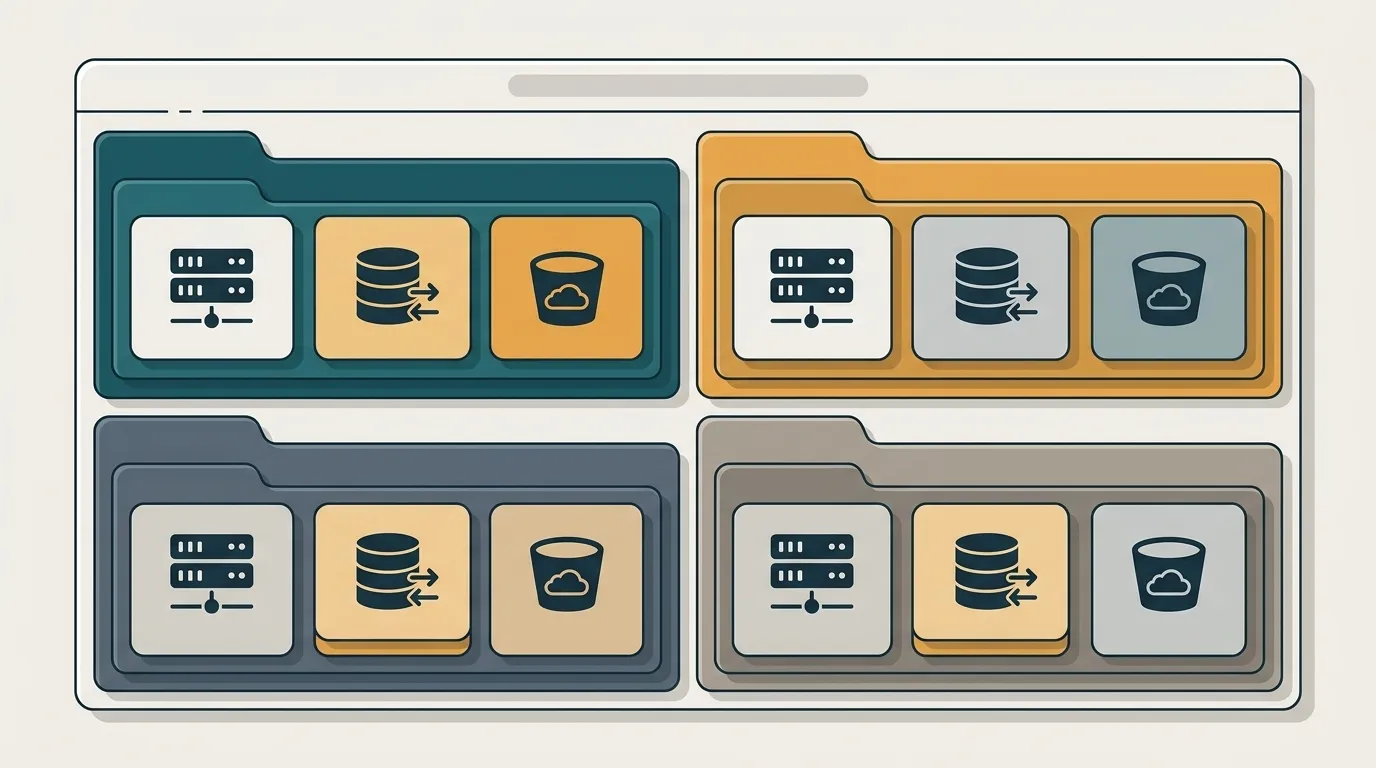
Before you use any service, Azure makes you get organized. A subscription is where the account’s charges end up—it’s the billing container and access boundary. Most companies have several: one for production and another for testing.
Inside it are resource groups. Think of a resource group as a folder that brings together everything belonging to the same project: the server, database, and storage. The key benefit is that you can delete the entire group at once—ideal for a test environment you want to tear down without leaving anything behind to generate charges at the end of the month.
The four services you’ll use first
Forget the endless list. At the beginning, four services cover almost everything.
App Service is the lazy way—in a good sense—to deploy a web application or API. You provide the code, and it takes care of the server, SSL, and scaling. No machine management required.
Virtual Machines are the opposite: a bare Linux or Windows machine where you control everything. More work, more control—useful when you need something App Service can’t handle.
Blob Storage stores files: images, backups, videos, and that huge CSV file. It’s inexpensive and practically limitless.
Azure SQL is a managed SQL Server database. Microsoft handles patching, backups, and high availability; you just connect and use it.
Portal or CLI: click now, script later
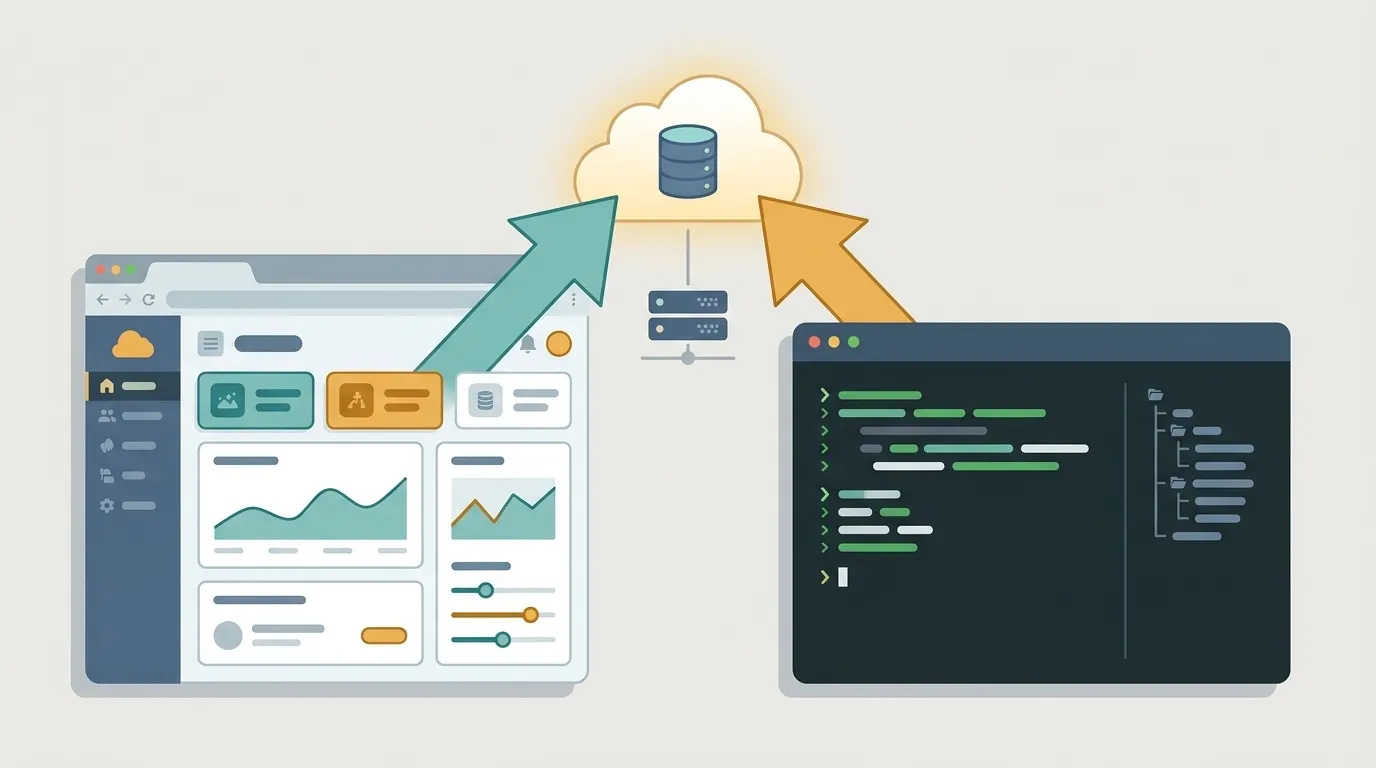
The portal is the web interface full of buttons. It’s great for learning and seeing what’s available—you click, create something, and see the result immediately.
The problem appears when you need to repeat the process. Creating ten identical environments by clicking through the portal is a recipe for errors—and for forgetting a step in the ninth one. That’s where the Azure CLI, the az command, comes in: you describe the resource in a script and recreate it as many times as you want, exactly the same way, without relying on your memory.
The practical rule: learn in the portal, automate with the CLI.
When Azure is the natural choice
Let’s be honest—Azure, AWS, and Google Cloud do many of the same things. The choice is rarely purely technical.
Azure shines when you already live in the Microsoft world: Windows Server, Active Directory, .NET, and Microsoft 365. Its integration with that ecosystem is among the smoothest available, and corporate sign-in through Entra ID—formerly Azure AD—is often ready before you even ask for it.
If your company is an enterprise with a Microsoft agreement and a team used to these tools, Azure is the path of least resistance. If you’re a startup built entirely on Linux and open source, the friction may be greater—and it’s perfectly fine to admit that.
Start small (and free)
Azure offers a free account with initial credit and a list of services that are always free within certain limits. You can experiment without committing your credit card to ongoing charges.
Here’s a good first step: create a resource group named test, deploy an App Service with a hello world app, and add a Blob Storage account alongside it. In ten minutes, you’ll have seen the entire structure working end to end. Then delete the group—and nothing will be left behind to generate charges.
Azure isn’t complicated; it’s large. Master these five building blocks, and everything else becomes just another service on the list—one you can learn when you need it.