

Every time a website responds to your click without reloading the entire page, JavaScript is working behind the scenes. And the most curious part is that this language, which was born to animate buttons, now runs on servers, mobile apps, automation robots, and even connected refrigerators. Let’s understand why it became so ubiquitous and what you need to know to get started on the right foot.
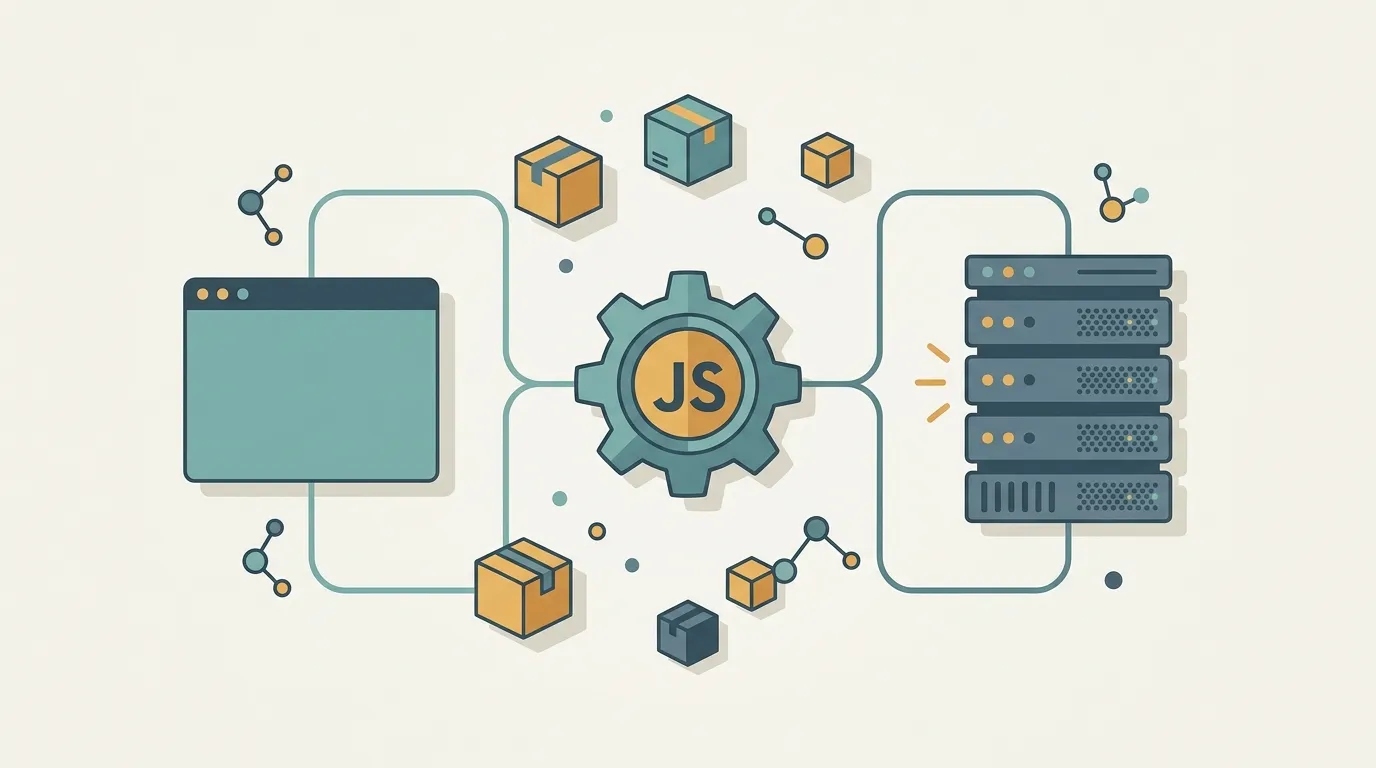
What JavaScript is, without the fluff
JavaScript is the language that gives the web behavior. Think of a page as a house: HTML is the structure (walls and doors), CSS is the finishing (color, size, and layout), and JavaScript is what makes things happen: validating a form, opening a menu, or fetching data without reloading the screen.
It was created in 1995 to run inside the browser and, since then, has become one of the most widely used languages in the world. One clarification that saves confusion: JavaScript is not Java. The names are similar because of marketing decisions at the time, but they are different languages with different purposes.
It runs in the browser and on the server
For a long time, JavaScript existed only inside the browser. That changed in 2009, when Node.js took Chrome’s JavaScript engine (V8) and started running code directly on the computer, outside the browser.
The impact is huge: you can write an application’s back end—the part that runs on the server—using the same language as the front end. A developer can move between both sides without constantly switching languages. That is why you see JavaScript in almost everything today: websites, APIs, command-line tools, and mobile apps.
Values, types, and the famous dynamic typing
Every program works with data, and in JavaScript that data appears in a few basic types:
- string: text, such as
"hello world" - number: numbers, whether integers or decimals
- boolean: true or false (
true/false) - array: a list, such as
[1, 2, 3] - object: a collection of key-value pairs
- null and undefined: two ways of representing an empty value
The detail that defines the language is that you do not have to declare the type of each variable. JavaScript figures it out at runtime. This is called dynamic typing. It makes prototyping much faster, but it requires attention: a variable can be text now and a number later without anyone complaining. That is precisely why many large projects adopt TypeScript, a layer on top of JavaScript that brings type checking back.
Functions are first-class citizens
This grand-sounding name hides a simple and powerful idea: in JavaScript, a function is a value like any other. You can store a function in a variable, pass a function as an argument to another function, and even return a function from inside another one.
In practice, this is what lets you write something like “when the user clicks, run this function here.” You hand behavior over to another part of the code so it can run at the right time. This way of thinking unlocks everything from everyday callbacks to more elegant ways of organizing logic.
Asynchronous without freezing: the event loop
JavaScript runs on a single thread, which means it does one thing at a time. It may sound like a limitation, but this is where one of the language’s cleverest tricks comes in: the event loop.
When a time-consuming task appears—fetching data from the internet or reading a file, for example—JavaScript does not sit still and wait. It hands the task off, keeps running the rest of the code, and when the response arrives, places the result back in the queue. That is why a page can keep responding to your clicks while it loads something in the background. Today, we write this with async and await, which make asynchronous code look like ordinary, top-to-bottom code.
npm: the ecosystem that keeps everything moving
Nobody writes everything from scratch all the time, and this is where JavaScript shines. npm is the language’s package registry, with more than two million libraries ready to use. Need to handle dates, build a server, or validate data? Run npm install and you already have code tested by thousands of people.
This is the largest open software ecosystem there is. It speeds up work considerably, but it also calls for good judgment: not every dependency is worth the weight it adds to a project.
JavaScript is not perfect, but it is the language you are most likely to encounter ahead—in the browser, on the server, and in places you least expect. The best way to learn is to get hands-on: open your browser’s console now (F12), type console.log('let’s go'), and press Enter. That’s it—you have already written JavaScript.