

Every AWS account starts clean and, six months later, turns into a warehouse of forgotten resources, overly broad permissions, and a bill no one understands. The best practices below aren’t certification exam theory—they’re the things that hurt when you ignore them.
IAM: least privilege, more roles
An access key leaked in a repository is, by far, one of the most common incidents in AWS. And in most cases, the key belonged to a user with AdministratorAccess. So:
- Eliminate long-lived static credentials. EC2, ECS, and Lambda should assume roles—they don’t need hardcoded access keys.
- People should sign in through SSO (IAM Identity Center), using temporary credentials. No human IAM users with eternal passwords.
- Real least privilege is tedious, and it’s worth it: start with the minimum permissions and expand them when the application complains, not the other way around. Access Analyzer helps you see what is exposed.
If your root access key is still active, stop reading and disable it now. Root is for emergencies, with hardware MFA.
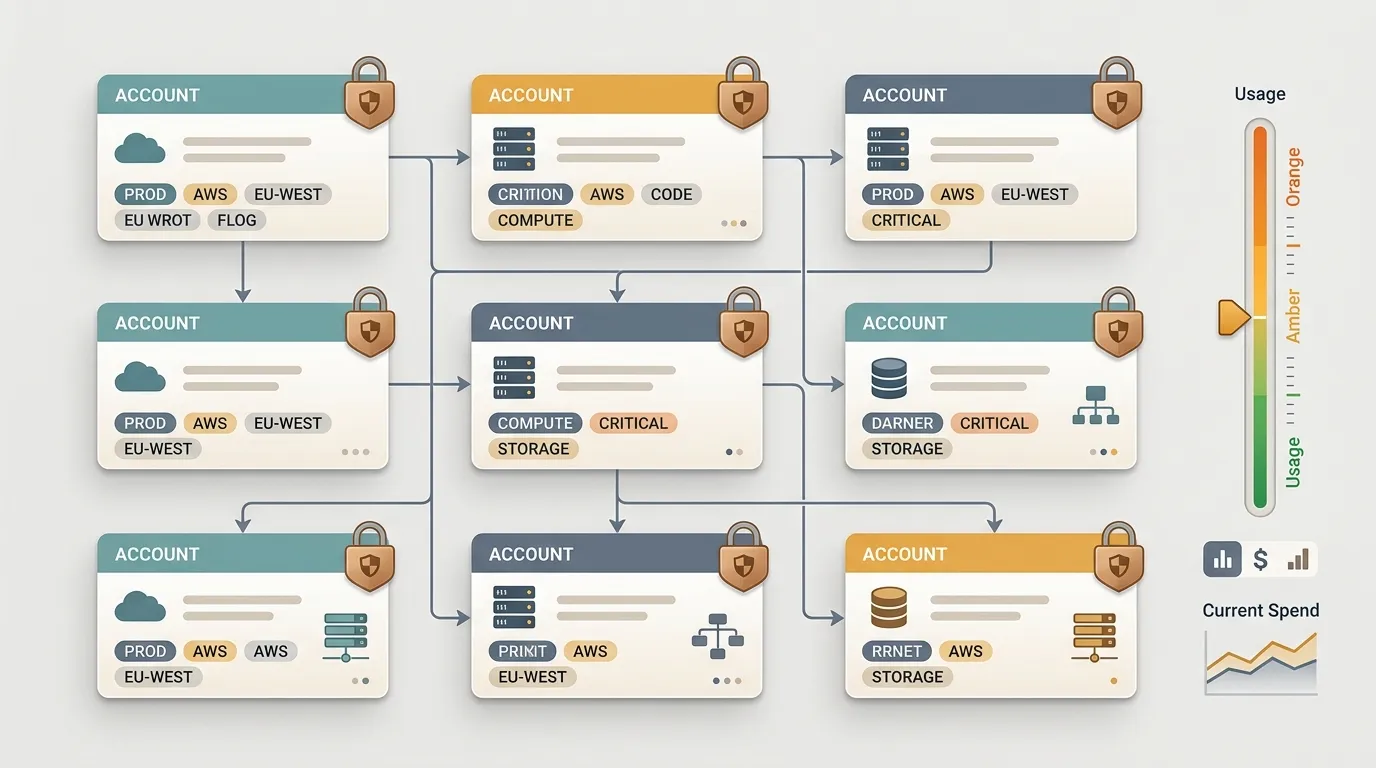
A single account is technical debt: Organizations and multi-account
Putting development, staging, and production in the same account is comfortable at first and expensive later—a single terraform apply from the wrong directory is enough to take production down. Multiple accounts solve this at the root:
- Use one account per environment—or per team/product—with everything managed under AWS Organizations.
- SCPs (Service Control Policies) block actions that even an admin shouldn’t be able to perform, such as opening a Region you don’t use or turning off CloudTrail.
- Consolidated billing: one bill, with costs isolated by account. It becomes obvious who is spending what.
It requires more setup on day one, but that’s the difference between a small blast radius and an incident that spreads to everyone.
Cost shouldn’t be a surprise at the end of the month
Your AWS bill shouldn’t scare you—if it does, it’s because no one is looking. Three areas solve most cases:
- Budgets with email/Slack alerts at thresholds (80%, 100%, and forecasted). Cost is a metric; treat it like one.
- Right-sizing: that
m5.2xlargerunning at 8% CPU for three months is money in the trash. Compute Optimizer points out the obvious candidates. - Savings Plans / Reserved Instances for stable workloads. On-demand for predictable usage is the list price—you can cut 30–60% by committing to what you already know you’ll use.
Bonus: delete what you don’t use. Orphaned EBS volumes, a snapshot from 2023, a NAT Gateway from a retired environment—all of them quietly show up on your bill.
Managed services almost always beat EC2
Running your own Postgres on EC2 means you’re now the DBA, responsible for patching, backups, failover, and the overnight incident when the disk fills up. AWS handles this better, and more cheaply than the cost of your time:
- Database? RDS/Aurora instead of running Postgres yourself.
- Queue, messaging, or cron? SQS, EventBridge, and Lambda instead of a daemon on an EC2 instance that you forget to update.
- Container? ECS Fargate or EKS before managing nodes yourself.
EC2 isn’t dead—it’s the right choice when a managed service doesn’t fit, such as for a specific license, a custom kernel, or fine-grained control. The mistake is using it as the default out of habit.
Tag it or it doesn’t exist
An untagged resource is an orphan: you don’t know who owns it, which project it belongs to, or whether it can be deleted. Without tags, every cost report becomes a guess.
- Standardize a small set of required keys:
env,owner,project, andcost-center. - Enforce them through Tag Policies and SCPs—a resource without tags should not be created.
- Enable Cost Allocation Tags to break down the bill by team or project in Cost Explorer.
Tags are tedious to implement and priceless on the day someone asks, “Why did the bill increase by 40%?”
Observability: turn on CloudWatch and CloudTrail from day zero
Debugging without logs is guesswork. In AWS, the two pillars are available out of the box—you just need to configure them properly:
- CloudTrail in every account, through an Organization trail, writing to a central and immutable bucket. It’s your record of “who did what and when”—audits and incident response depend on it.
- CloudWatch for metrics, logs, and alarms. An alarm should fire before the user complains, not afterward.
- Centralize logs and traces in a separate observability account, without write access from application accounts. Logs that an attacker can delete are not evidence.
If these are the only two things you have enabled, you’re already ahead of most teams.
AWS best practices aren’t compliance bureaucracy—they’re what separates the account you control from the account that controls you (and your credit card). Pick one section above and fix it this week. Your next bill will thank you.