

Everyone who starts programming goes through the same scene: ten tabs open, every tutorial telling you to install something different, and the feeling that you are already behind before writing your first line. The good news is that the essential toolkit is small. It consists of five tools, each solving a very specific problem. Once you understand the role of each one, everything else becomes a detail.
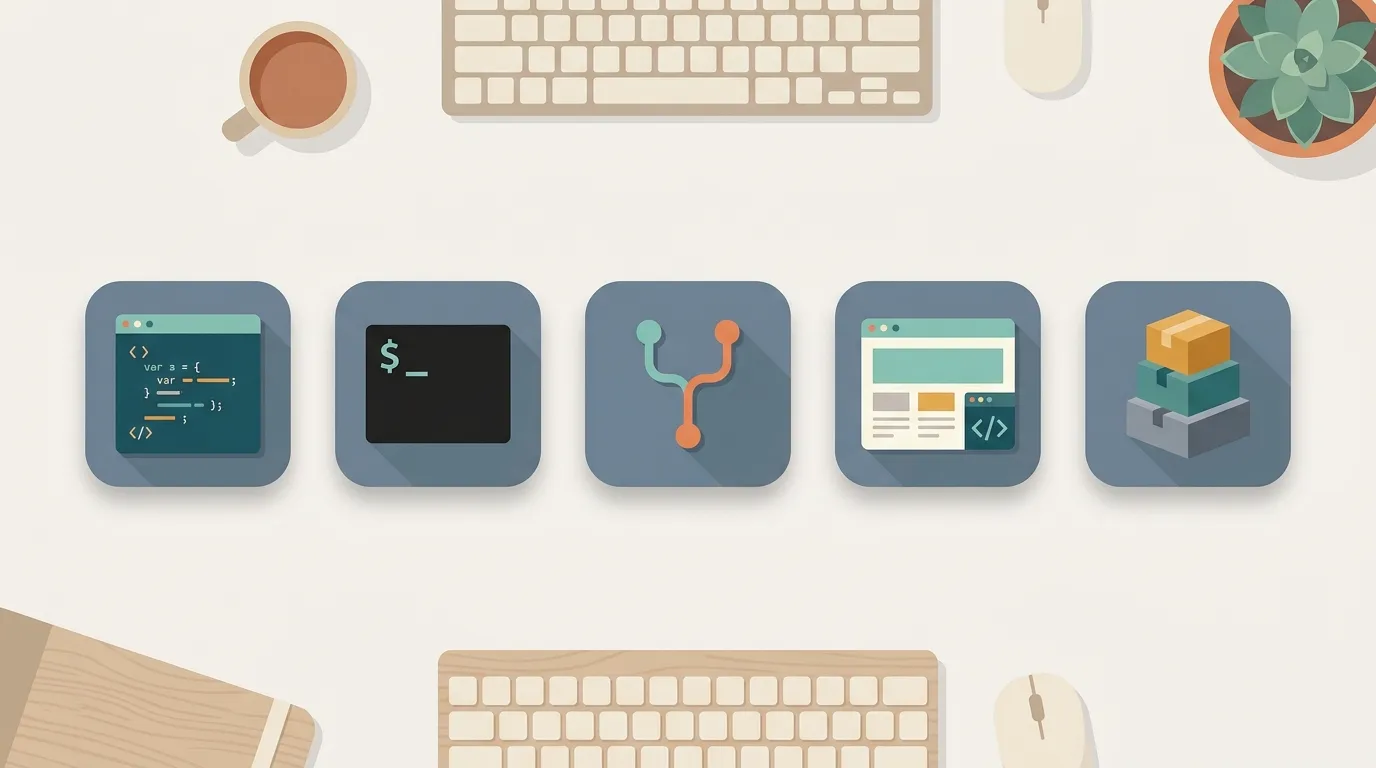
The code editor: your workplace
This is where you will spend most of your time. A code editor is not just a fancy notepad: it highlights syntax, warns you when a parenthesis is missing, completes what you were about to type, and integrates with the rest of your tools. Start with VS Code. It is free, runs everywhere, and has an endless supply of learning material. An IDE follows the same concept but includes more built-in features, such as debuggers and heavier integrations. You do not need that right now.
The terminal: a direct conversation with the machine
The terminal can be intimidating because it is just blinking text. But it is the most direct way to give commands to your computer, and many developer tools live there. At first, you will use half a dozen commands: enter a folder, list files, and run your program. You do not need to memorize everything. Learn what appears in front of you, and the rest will come with practice.
Git: the undo button that never fails
Git keeps a history of your code. Every change becomes a point you can return to. Did you break everything at 2 a.m.? Go back to the last working point. Did you delete a file? Restore it. Add GitHub, where this history lives online, and you have a backup, a portfolio, and the way the entire world collaborates on code. Learn four commands (add, commit, push, and pull), and you are already on your way.
Browser and DevTools: what the user sees and what is behind it
If you work with the web, the browser is a work tool, not just something for browsing. Press F12 to open DevTools: you can inspect every element on the page, see console errors, track what the page requests from the internet, and test changes live. It is an X-ray of what is happening. When something does not work, the console will often tell you exactly what went wrong.
Package manager: code that others have already written
You are not going to rewrite the entire world. Need a library for dates, charts, or requests? Someone has already built it, and the package manager downloads and organizes it for you. In JavaScript, it is npm; in Python, pip. One command installs a package, one file records what your project uses, and anyone can reproduce your environment. That is what turns loose code into a real project.
How not to drown in a sea of options
For each of these tools, there are ten alternatives, and each one has people who swear theirs is the only right choice. Ignore that for now. The popular, standard tool is the right choice for beginners: more tutorials, more ready-made answers, and fewer surprises. Switching later is easy because the concept is the same. An editor is an editor, and a terminal is a terminal. What you learn moves with you.
Five tools. An editor for writing, a terminal for giving commands, Git for not losing your work, a browser for seeing what is happening, and a package manager for avoiding repetition. Install them, open each one once, and use them as the need arises. Nobody masters these tools by reading about them. You master them by doing, one command at a time.