
If you have ever paid an electricity bill, you already understand half of the cloud: you use it and pay for what you used. Google Cloud Platform (GCP) applies the same idea to servers, databases, and storage—without requiring you to buy any hardware.
What GCP is, in the end
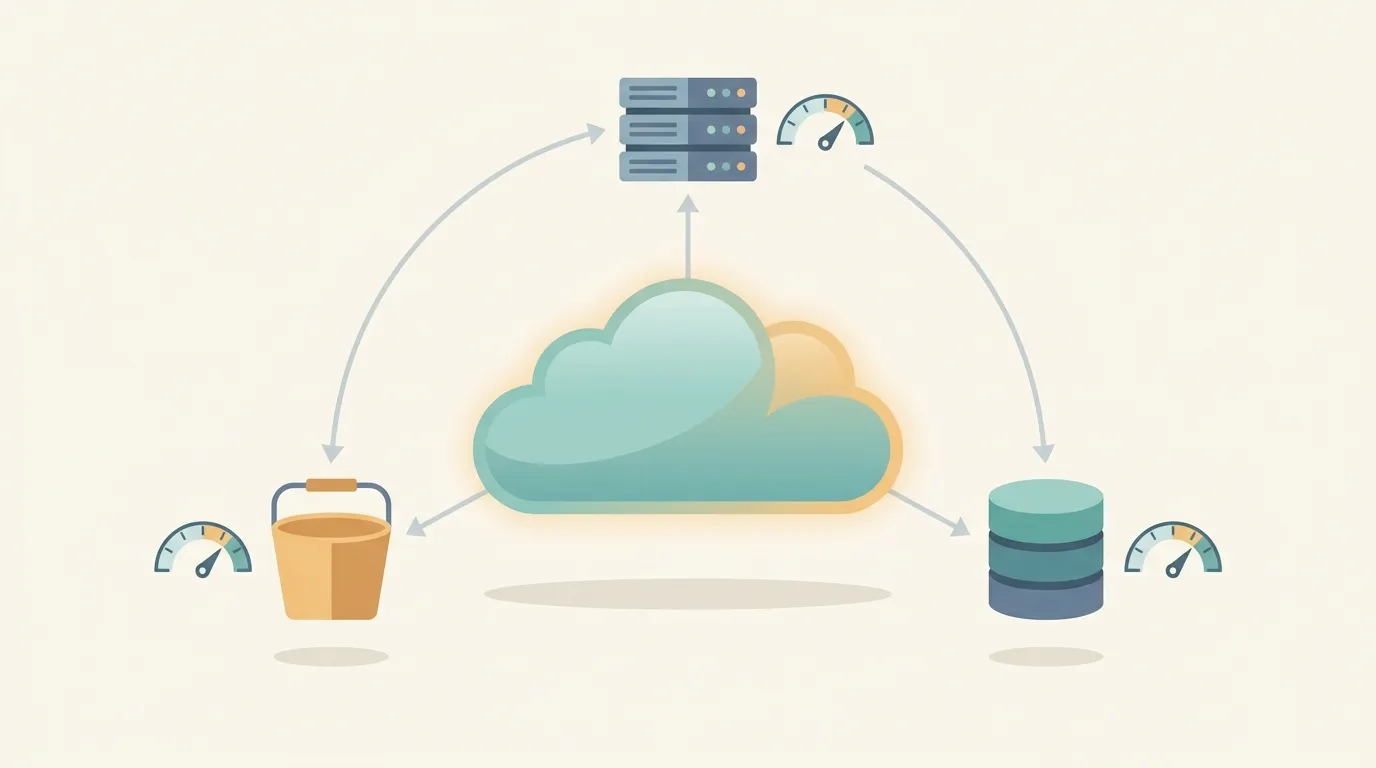
GCP is Google’s collection of cloud services. Instead of setting up a server at home or renting a physical machine, you rent computing, storage, and database capacity that runs on the same infrastructure behind Google Search and YouTube. You turn on what you need, use it, and turn it off when you no longer need it. It follows the same model as AWS and Azure—the catalog and names are what change.
Console and projects: where everything lives
Everything starts in the Console, the web dashboard at console.cloud.google.com. That is where you create resources, view logs, and change settings. The central organizational unit is the project: an isolated container that groups resources, permissions, and billing. Each project has a unique ID and works as a boundary—what is in one project does not accidentally mix with another. In practice, you can separate environments like this: one project for production and another for testing. Delete the wrong project? Everything goes with it, so choose names carefully.
The services you will use first
The GCP catalog is huge, but four services cover most of the basics. Compute Engine provides virtual machines—a Linux or Windows server that you turn on and manage as if it were your own. You get full control, and full responsibility as well. Cloud Run runs your container without requiring you to manage any server: deploy your code, and it scales automatically with traffic and scales down to zero when no one is accessing it (you do not pay for idle time). Cloud Storage stores files—images, backups, and videos—in buckets that can be accessed by URL. And BigQuery is the data warehouse: load terabytes of data into it and run SQL queries that return results in seconds, without managing a database. Practical rule: use a VM when you want control, Cloud Run when you just want your app to run, Storage for files, and BigQuery for analysis.
How billing works
Billing is handled through a billing account linked to one or more projects. The pricing model is pay-as-you-go: you pay for each hour a VM is running, each GB stored, and each query executed. There is no fixed monthly fee. That is both great and dangerous—forget a large VM running over the weekend, and the bill grows on its own. Beginners have two safeguards: the free tier, which provides a permanent free quota for several services, and budgets with alerts, which notify you by email when spending exceeds a limit. Set up the alert before you start creating resources.
When GCP is the natural choice
GCP shines when you already live in the Google ecosystem—Workspace, Firebase, or Android—or when your work involves a lot of data and analysis, an area where BigQuery is hard to beat. It is also a good choice when you want to deploy apps quickly without managing servers, thanks to Cloud Run. If the company is already fully invested in AWS or Azure, migrating just for the sake of migrating probably is not worth it. But for a new project, for learning, or for anything involving data, GCP is an easy contender.
The cloud is not as complicated as it may seem: it is renting a computer by the hour, organized into projects, with a bill that adds up what you used. Create a project, turn on a spending alert, and start small—the rest you can learn by clicking around.