

Many people still think of .NET as that old technology tied to Windows and a several-gigabyte installation of Visual Studio. You can retire that image. Today’s .NET is cross-platform, open source, and runs comfortably on Linux, macOS, and inside a container. Let’s understand what it really is—and create your first project before you finish reading.
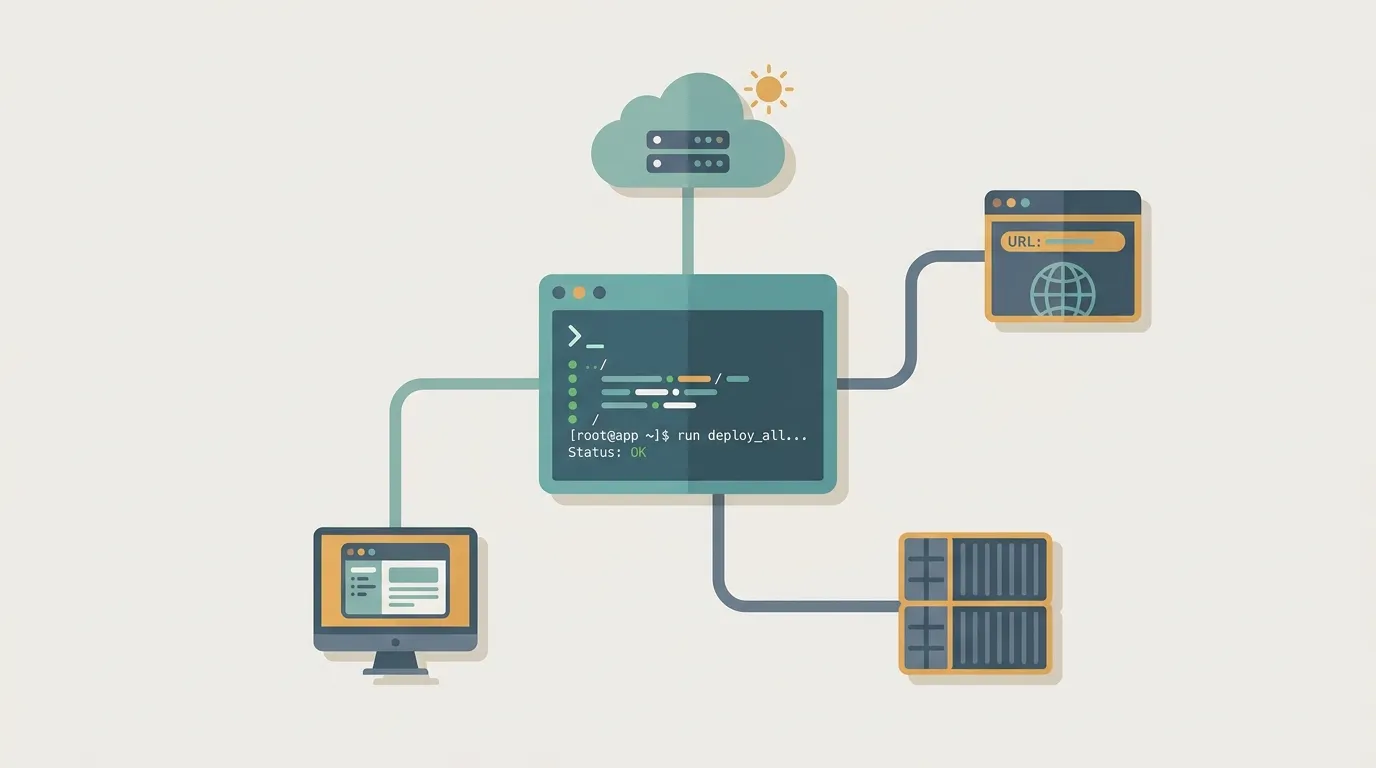
Forget what you’ve heard about .NET
The name ".NET" carries a lot of historical baggage. There was the old .NET Framework, which only ran on Windows. There was Mono, .NET Core... a soup of names that confused everyone.
That chapter is over. Since .NET 5, everything has become one .NET: a unified, cross-platform, open-source product developed in the open on GitHub. When someone talks about .NET 8 or .NET 9 today, this is what they mean—not a Windows fossil.
What modern .NET is, without the fluff
At its core, .NET is a platform for building software. It gives you three things together: a language for writing code, an engine for running that code, and a large set of ready-made libraries so you don’t have to reinvent the wheel.
The key idea is unified. The same .NET that runs an API in the cloud can run a mobile app or a background service. You learn one foundation and can use it in several scenarios without switching tools for every project.
C#, the runtime, and the BCL: who does the work
Three pieces make it all happen:
- C# is the main language. This is where you write what the program should do. It’s modern, strongly typed, and pleasant to read—you can often understand what the code means almost like a written sentence.
- The runtime is the engine. It takes your compiled code and executes it, handling tedious details such as memory management so you don’t have to clean up manually.
- The BCL (Base Class Library) is the toolbox that comes with .NET: working with strings, lists, dates, and files; making HTTP calls; reading JSON... everyday tasks you don’t need to write from scratch.
Together, these three pieces are the foundation every .NET project is built on.
dotnet: the CLI that does it all
Here’s the best surprise for newcomers: you don’t need an IDE to get started. .NET comes with a command-line tool called dotnet, and it can handle the entire workflow.
Create a new project, run it, and you’re done:
bash dotnet new console -o hello-dotnet cd hello-dotnet dotnet run
dotnet new creates the project structure, while dotnet run compiles and executes it. A "Hello, World!" message will appear in the terminal. There’s also dotnet build for compiling only, dotnet test for running tests, and dotnet add package for installing dependencies. One tool takes you from your first draft all the way to deployment.
Where .NET shines (spoiler: almost everywhere)
With this foundation, you can go in several directions:
- Web and APIs with ASP.NET Core—probably the most common use case. It’s the path to building backends and services that can handle substantial workloads.
- Desktop, for apps that run on the user’s machine.
- Cloud and microservices, since .NET was designed with containers and cloud scaling in mind.
You don’t need to memorize everything now. The point is that choosing .NET doesn’t lock you into one narrow area—it can follow wherever you want to take your career.
NuGet and the next step
Nobody builds everything alone, and that’s where NuGet comes in: .NET’s official package manager. It’s the equivalent of npm in JavaScript or pip in Python. Need a library to access a database, send email, or communicate with an external API? Run dotnet add package, and it’s added to your project.
The final message is simple: open a terminal, run that dotnet new console command, and watch "Hello, World!" appear. In five minutes, you’ll have created your first .NET project. Everything else is built on top of that foundation.