
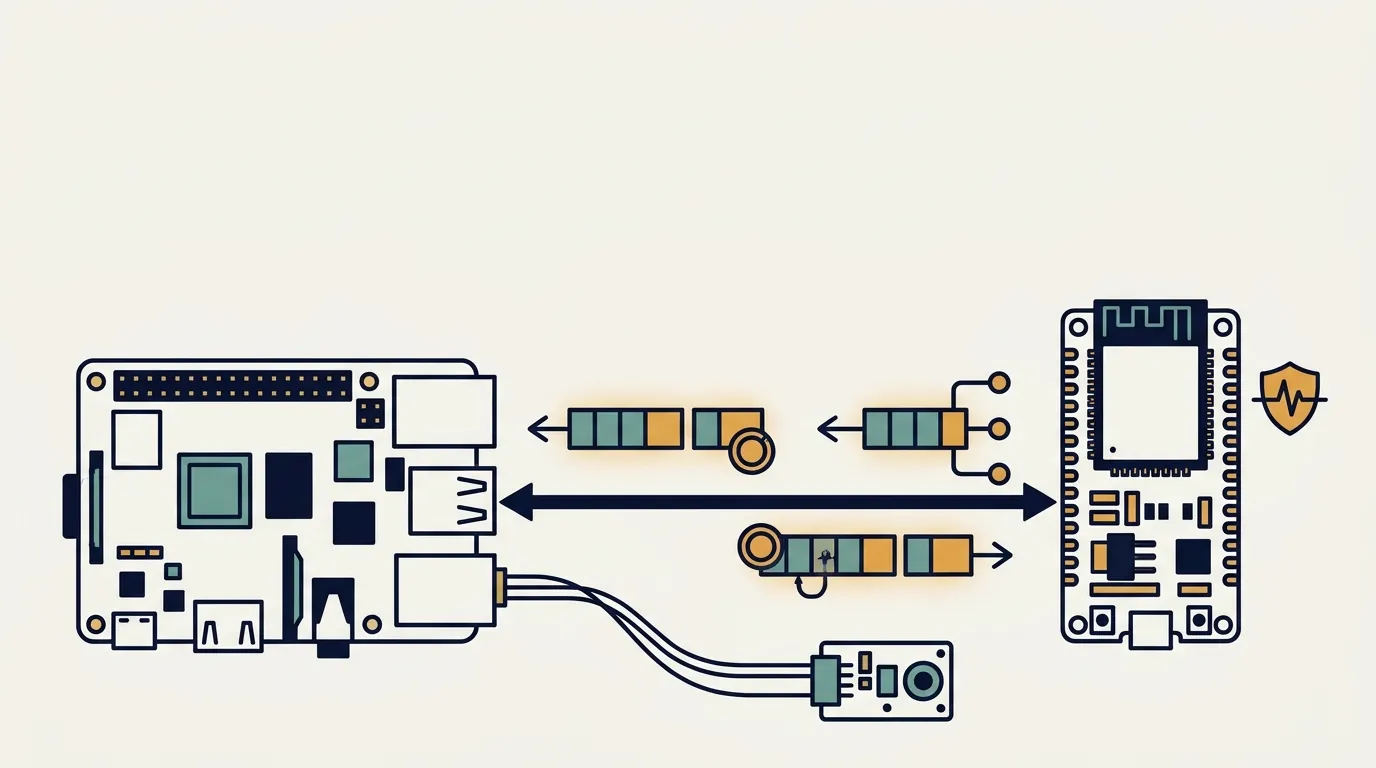
In the Fundamentals of Embedded Systems course, the first assignment of the semester is an elevator simulator. An ESP32 plays the role of the entire building—three cars, a call queue, and a power bus—and the Raspberry Pi has to control it. In the second submission, the challenge was to make the two devices communicate over the serial port: first with a simple protocol, then with MODBUS over UART, reading and writing the simulator’s actual registers.
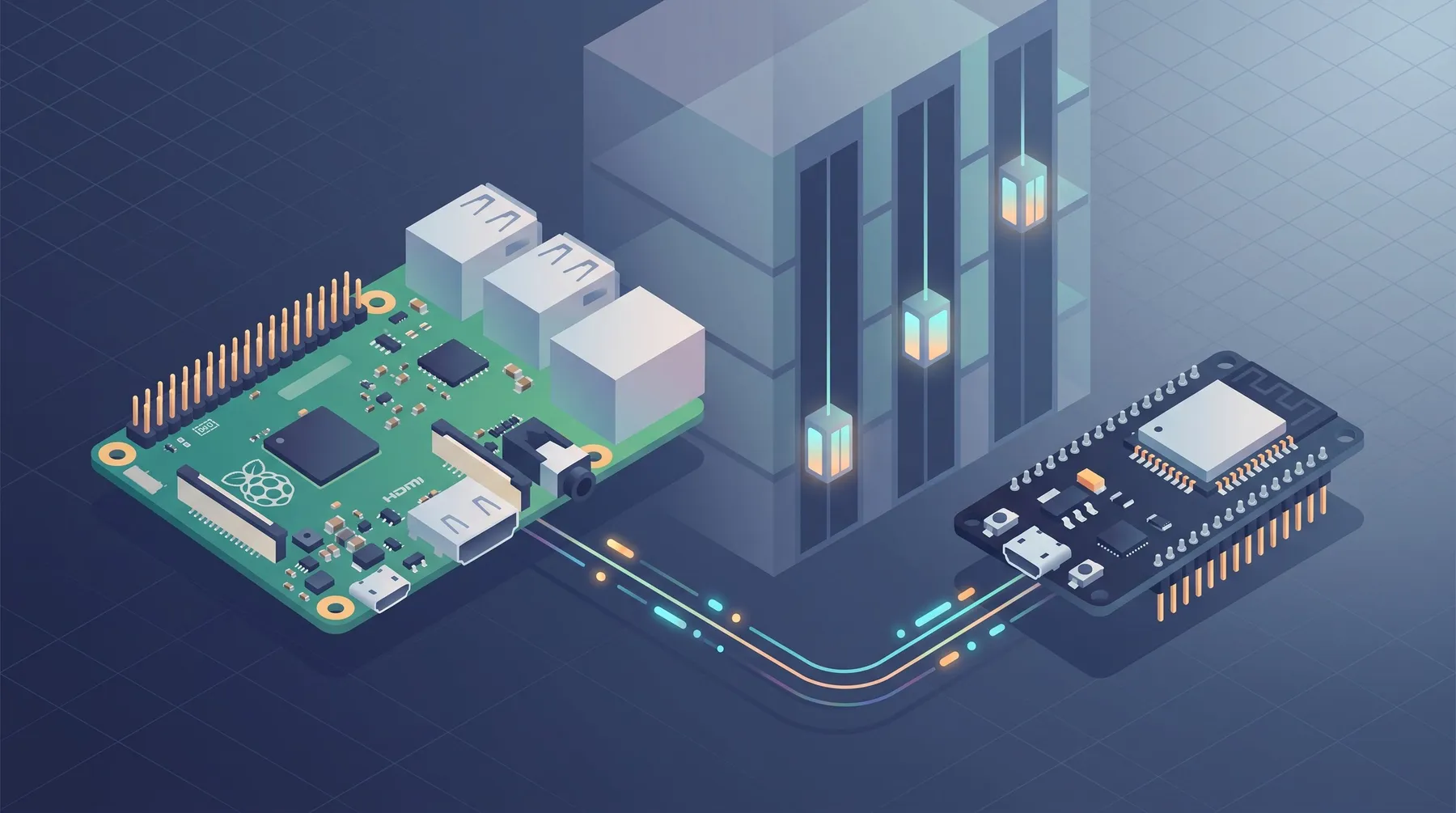
The code was ready and all unit tests were passing. Even so, most of the learning happened at the workbench, with the actual board and the dashboard open beside it. This article brings together what I had to understand to explain (and record) this submission: what each byte in a frame does, why the CRC was not the one used in tutorials, what a watchdog is, and how I2C completes the chain.
One wire, two protocols
The first confusion is one of vocabulary. UART is not a messaging protocol: it is the channel. It is the serial port (/dev/serial0, at 115200 bps, 8 bits, no parity, 1 stop bit) that only knows how to carry bytes from one side to the other.
Two message protocols run over this same wire, and the ESP32 understands both at the same time:
Raspberry Pi ──── UART (serial wire) ──── ESP32 │ ├─ Simplified protocol → command + data + student ID └─ Modified MODBUS → address + function + data + student ID + CRC
Raspberry Pi ──── I2C ──── BMP280 sensor (another wire, another device)
There is also a third bus, I2C, which does not lead to the ESP32: it connects the Raspberry Pi to a temperature and pressure sensor. We will get to it at the end.
From the simplified protocol to MODBUS over UART
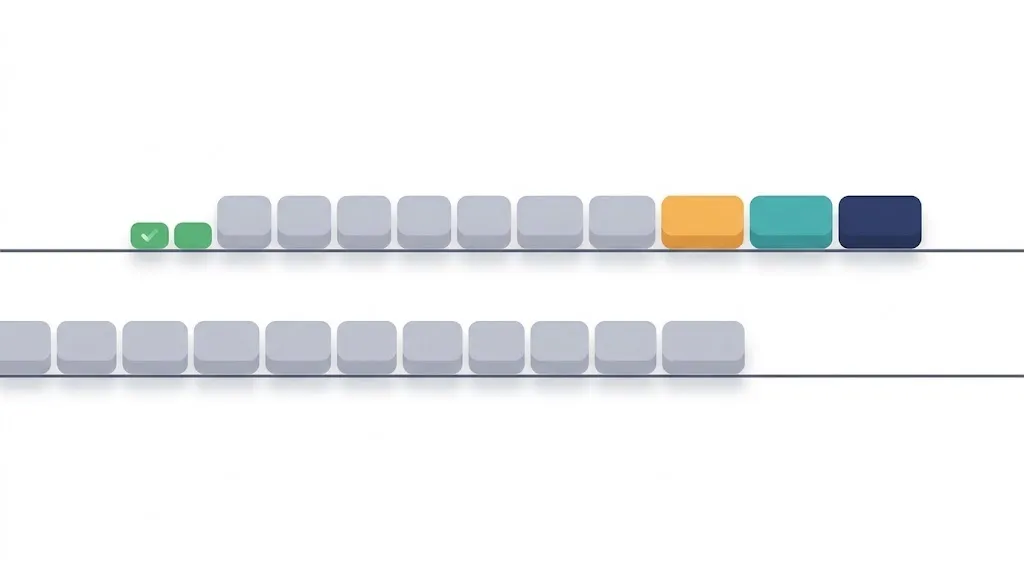
The simplified protocol is as lean as possible. To request an integer, the Raspberry Pi sends the command byte followed by the last six digits of the student ID—each digit as a raw byte (the digit 6 becomes 0x06, not the ASCII character 0x36). Using the example student ID from the assignment, 654321:
Simplified: A1 │ 06 05 04 03 02 01 (7 bytes) cmd │ student ID
MODBUS: 01 │ 23 │ A1 │ 06 05 04 03 02 01 │ CRC CRC (11 bytes) addr.│ fun│ sub│ student ID │ check
MODBUS takes the same message and adds three things the simplified protocol does not provide: who is it for, what should be done, and did it arrive intact?
Address, function, and subcode
The address indicates which device should respond. There is no address in the simplified protocol: whoever is listening responds. In MODBUS, multiple devices share the same wire, and only the addressed device speaks. The response returns with the same address in the first byte, confirming which device replied.
Interestingly, all these “devices” live inside the same ESP32, which pretends to be several devices:
| Address | What it is | Purpose |
|---|---|---|
0x01 |
teaching device | returns fixed values; exists only to validate the message format |
0x11, 0x12, 0x13 |
elevator cars 1, 2, and 3 | floor, leveling, door, current, load, position, and faults |
0x20 |
building controller | call queue, power bus, watchdog, and metrics |
The function indicates the type of operation. On the teaching device, 0x23 means “give me a value” and 0x16 means “receive this value.” The subcode that follows (A1, A2, A3, B1, B2, B3) is exactly the command from the simplified protocol: it indicates whether the data is an integer, float, or string. In other words, the simplified protocol’s single byte was split into two.
That is why the MODBUS part of the submission only communicates with 0x01: it validates the envelope (address, function, and CRC) using predictable responses before touching the actual simulator. One nice detail: for send commands, the ESP32 returns the received value multiplied by the last digit of the student ID. If the response matches, you know it read your ID as raw bytes—in ASCII, it would have multiplied by a completely different number.
CRC-16: the initial-value trap
The CRC-16 consists of the last two bytes of the frame: a checksum calculated over all the preceding bytes. The receiver recalculates it; if the values do not match, some byte was corrupted along the way and the message is discarded. On the Raspberry Pi side, a response with an invalid CRC triggers a retry, up to three attempts. The simplified protocol has none of this—a changed byte goes unnoticed.
The catch: this assignment’s CRC is not the CRC-16/MODBUS that appears in every tutorial. The polynomial is the same (0xA001, in reflected form), but the initial value is zero, not 0xFFFF. This only became clear when checking the calculation against the solved examples in the assignment—and it is a useful lesson: when a specification provides examples with the verification bytes already calculated, those examples are the answer key.
c /* CRC-16 with reflected polynomial 0xA001 and initial value 0x0000. * The CRC-16/MODBUS used in tutorials starts at 0xFFFF and does NOT match the examples. */ uint16_t crc16(const uint8_t *data, size_t n) { uint16_t crc = 0x0000;
for (size_t i = 0; i < n; i++) {
    crc ^= data[i];
    for (int bit = 0; bit < 8; bit++)
        crc = (crc & 1) ? (crc >> 1) ^ 0xA001 : crc >> 1;
}

return crc;   /* placed in the frame in little-endian order: low byte first */
}
With this code, reading the nine registers of car 1 from the assignment (11 03 00 00 09 00 06 05 04 03 02 01) produces 0xE40E, which travels as 0E E4—exactly what the example shows.
Registers: where the simulator stores its state
Once the envelope is validated, the third part of the submission communicates with the real devices using two standard MODBUS functions: 0x03 (read registers) and 0x10 (write registers). Each register is 16 bits wide and is identified by an offset. Each car has nine registers (from 0 to 8); the building has 16.
Reading the state of car 1 at the workbench returned this:
11 03 12 │ 00 00 │ 00 00 │ 00 00 │ 00 00 │ 01 2C │ 00 00 │ 00 00 │ FF 98 │ 00 01 │ 16 37 addr fun n│ floor │ level│ door │ cmd │ 300mA │ load │ pass. │ position│ fault │ CRC
Notice FF 98: it is the position, the only signed register. Read as a signed 16-bit integer, it is −104 mm. The car was not “at the ground floor”; it was 10 cm below it, in the shaft—and because the door only operates when the car is level (within ±10 mm of the floor), it had to be repositioned before continuing.
Byte order is not uniform
This is the kind of detail that makes a workbench return “garbage that looks like noise.” In the request, the register number and quantity use little-endian order (low byte first). In the response, values use big-endian order (high byte first). The 01 2C above is 300, not 11265, precisely because of this. Getting the order wrong in a single field shifts everything, and the result looks like a communication problem when it is only a decoding problem.
Exceptions should not be retried
When a request is invalid, the device does not remain silent: it responds with a “marked” function (the 0x80 bit set) and a code. Trying to write to the car’s position, which is read-only, returns 0x90 with code 0x02; reading from register 50, outside the map, returns 0x83 with 0x02:
11 83 02 B0 F4 → car 0x11, read (0x03 + 0x80), code 0x02 = invalid address
The design rule worth remembering is: an exception is not a communication failure. It is a valid response, with a correct CRC, saying “no.” Repeating the request would produce the same “no” three times. Only a timeout or an invalid CRC justifies another attempt.
Watchdog and Boundary Condition: the monitor and the data

This was the part that generated the most questions—including mine.
The building has a power bus, the source that feeds the elevator motors. How much current it provides depends on the machine room’s temperature: the hotter it gets, the less power is available. The assignment defines the rule (thermal derating):
power bus = 12000 − 200 × max(0, temperature − 25) mA 25.0 °C → 12000 mA 25.3 °C → 11940 mA 35.0 °C → 10000 mA
The simulator, however, does not know the temperature by itself. Someone has to provide it—and this information (ambient temperature and pressure) is the Boundary Condition. The name comes from physical simulation: it is external-world data that the model needs in order to calculate.
The watchdog monitors this data. If the Raspberry Pi goes more than 30 seconds without rewriting the Boundary Condition, the simulator concludes that the sensor (or the program) has failed, stops trusting the last temperature, and assumes the worst: it locks the bus at a floor of 3000 mA, and the cars move at minimum speed. It works like a car’s safety mode when the engine temperature sensor stops responding.
I had two common misunderstandings:
- The watchdog does not block anything. Once it expires, all reads and writes continue to work. The door opened and closed normally with the watchdog at 1. The only consequence is limited power.
- Expired is the normal idle state. Without anyone feeding it, it remains at 1. It only appears as “OK” during the 30 seconds after a write.
In practice, the demonstration is a three-step sequence: read the building (watchdog at 1, 3000 mA), write 253 (25.3 °C, in tenths of a degree) and 1013 hPa to registers 5 and 6 in a single 0x10 write, then read again (watchdog at 0, 11940 mA). The write frame, still using the example student ID, is:
20 10 05 00 02 00 04 FD 00 F5 03 06 05 04 03 02 01 56 C3 fun reg qty bc 253 1013 student ID CRC
If the byte order were wrong, 253 would arrive as 64768 and the bus would never match the formula. The correct number in the readback is both proof of the protocol and proof of the simulator’s physics.
Completing the chain with I2C

Writing 25.3 °C by hand proves that the MODBUS path works, but it is not the real system. The assignment is explicit: a system that does not implement the I2C → MODBUS chain will not move the building.
The missing half is I2C: a second bus, another pair of wires, connecting the Raspberry Pi to the BMP280 sensor. The program opens the bus, identifies the chip using its identification register, reads the raw temperature and pressure values, and converts them using the calibration coefficients stored at the factory in the sensor itself. Only then does it use the same MODBUS write as before.
BMP280 ──I2C──► Raspberry Pi ──UART/MODBUS──► ESP32 (simulator) measures converts and decides applies derating
The difference from the previous step is not the destination, but the data source: before, it was the keyboard; now, it is the sensor. The pressure reading in Brasília is close to 880 hPa, well below the 1013 hPa at sea level, because of the altitude—a good sanity check that the value is real. A loop that repeats the read and write every 10 seconds, with plenty of margin within the watchdog’s 30 seconds, is exactly what the central server will do automatically in the final submission.
One additional lesson: on some laboratory boards, the I2C bus was not enabled in the system configuration, and we did not have administrator permission to change it. Instead of letting the program fail with a raw error, the driver detects that the device is missing and explains the cause. An error message that tells the next person what to do saves their session.
What the workbench taught us
Some lessons only appear with real hardware and limited time—each session at the board lasted 15 minutes.
- Prepare the board before recording. The board had calls left in the queue by its previous user and a car out of level. A script that checks the environment (serial port, permissions, compilation, and tests) with a single command saves the entire session.
- The simulator has its own behavior. I sent the command to open the door and only started observing six seconds later: it was already closing by itself, just like a real elevator. Continuous reading needs to be running before the command—in my case, with the terminal split into two halves, one for observing and the other for issuing commands.
- Different counters count different things. After assigning a call to a car and removing it from the queue, the dashboard showed “in queue: 0” but “being served: 1.” It was not a bug: the call had left the waiting queue, but it only finishes when the car completes the trip—which, in this submission, did not happen automatically.
- The dashboard is the other side of the conversation. Every command received by the ESP32 appeared in the widget, along with its source protocol (MODBUS or “ALT,” short for alternative, for the simplified protocol) and the student ID. Seeing both sides at the same time turns “I think it worked” into “it worked.”
In the end, the most useful lesson was the simplest: unit tests ensure that you build the correct frame; the workbench ensures that the other side agrees with you. Both are necessary, and neither replaces the other.