

An application starts small: one Droplet, a manual deploy, a domain pointing to the public IP, and the satisfying feeling of “it’s live.” A few weeks later, real users arrive, someone changes a configuration directly on the server, the disk starts filling up, an old SSH key is still valid, and nobody knows whether the backup covers the important data.

This is when production on DigitalOcean with Droplets stops being just about “creating a machine” and becomes continuous operations. Bringing a Droplet online is only the beginning: access, network exposure, updates, recovery, monitoring, and costs need to become part of the routine.
This guide is for people who can already create a Droplet but want to review existing infrastructure with greater security, predictability, and control. The focus is on applications hosted on Droplets. We will not go deeply into DigitalOcean Kubernetes, multi-cloud, provider migrations, or the complete configuration of specific frameworks.
It is also important to set expectations: a single Droplet can be well protected, monitored, and recoverable. However, it remains a single point of failure. Backups help with recovery; firewalls reduce exposure; monitoring anticipates problems. High availability requires additional architectural decisions.
TL;DR
- Creating a Droplet is simple; operating production requires a routine.
- DigitalOcean’s simplicity is an important advantage, but it should not be confused with an absence of responsibility.
- DigitalOcean manages the physical infrastructure and the services you contract; the operating system, access, network, data, updates, and application remain the team’s responsibility.
- Start with the basics that reduce risk: individual SSH keys, a non-root user, least privilege, a restrictive firewall, tested backups, and monitoring.
- Backups and snapshots serve different purposes: a backup is part of recurring recovery; a snapshot is a point-in-time capture of a state.
- Monitor CPU, memory, disk, and network, but complement these signals with application logs and metrics.
- Organize resources with names, tags, and projects to avoid forgotten costs and invisible dependencies.
- Automate gradually: simple, versioned, reviewable scripts are already better than relying on one person’s memory.
- Use the checklist at the end as a starting point, not as a maturity certificate.
Production on DigitalOcean with Droplets: what changes after the first deploy
Imagine an internal application running on a single Droplet: backend, local database, user-uploaded files, and manual deployment over SSH. At first, this may be enough to validate the idea. However, when the application becomes part of other people’s routine, some risks stop being “technical details” and begin to affect the service.
The main change is one of mindset: production is not a state; it is an ongoing practice.
DigitalOcean simplifies infrastructure creation, but that does not eliminate the shared responsibility model. In practical terms:
- DigitalOcean operates the physical infrastructure and the services you contract.
- The user team remains responsible for the operating system, access, network rules, updates, data, monitoring, and application configuration.
DigitalOcean’s documentation on recommended Droplet setup reinforces initial practices such as secure access, firewalls, and non-root users. Use this documentation as an operational reference, not merely as a creation checklist.
A common mistake is assuming that a newly created Droplet is already “production-ready.” It is ready to receive configuration. The difference may seem small, but it is like buying an apartment and assuming it already comes with a reinforced lock, controlled key copies, insurance, and an evacuation plan. It may come with walls. The rest is up to you.
There is an important trade-off: a single server is simple to operate, inexpensive to understand, and easy to debug. On the other hand, it offers less fault tolerance. If the Droplet becomes unavailable, the disk is corrupted, or an update breaks the service, the entire application may stop.
Therefore, protect that Droplet well, but do not confuse protection with high availability.
Reducing the attack surface: SSH, users, and updates
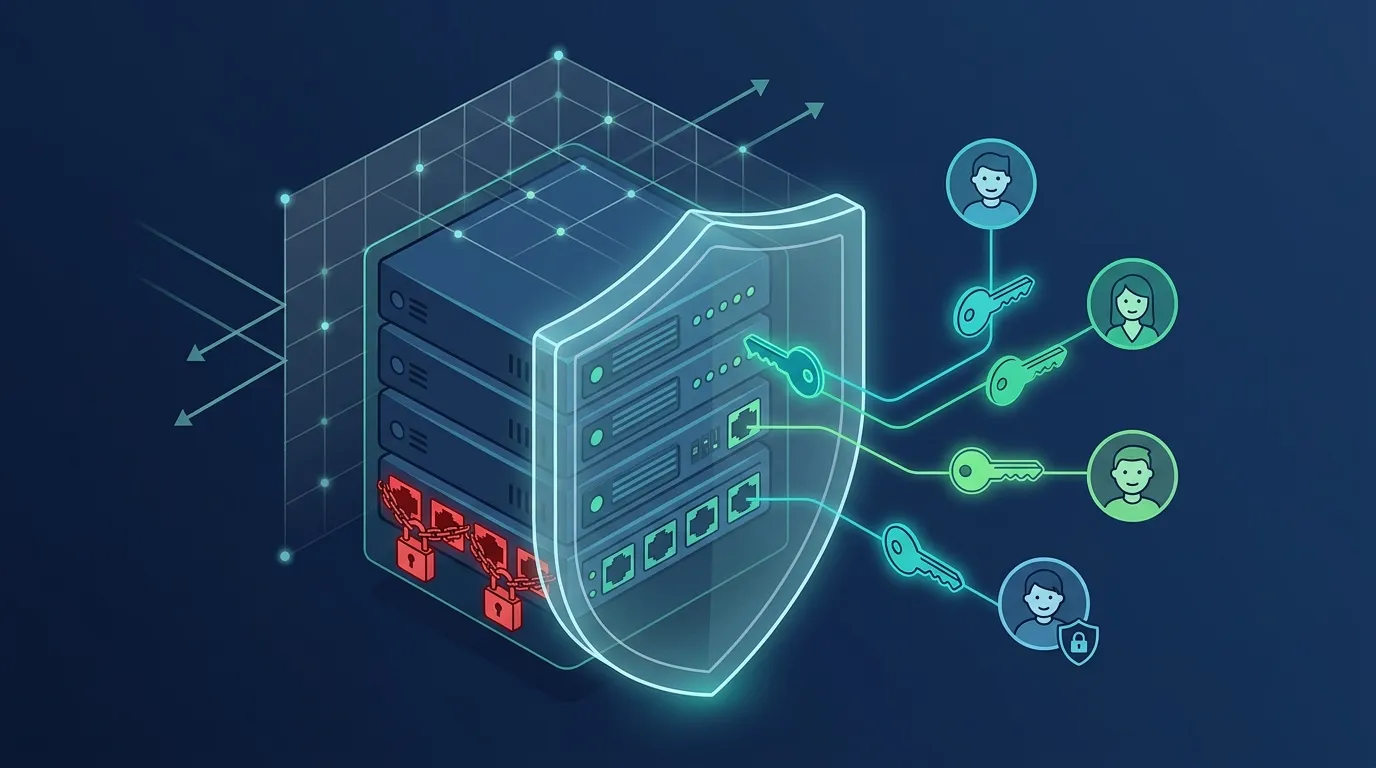
Administrative access is one of the areas where small oversights quickly accumulate risk. If everyone uses the same key, password login is open, or former users remain active, the team loses traceability and increases the chance of unauthorized access.
A practical review can follow this order:
- Review who has access.
- Remove old keys.
- Ensure users are identifiable individuals.
- Avoid direct login as
root. - Disable password login after testing keys.
- Establish an update routine.
1. Use individual SSH keys
Risk: password-based SSH authentication increases exposure to automated login attempts. Shared or reused passwords also make it difficult to know who accessed the server.
Recommendation: prioritize individual, locally protected SSH keys, and consider disabling password authentication. Whenever possible, avoid direct login as root; use identifiable users with sudo instead.
Why it matters: individual keys let you revoke one person’s access without affecting the entire team. Identifiable users improve traceability and reduce dependence on shared credentials.
A minimal example for creating an identifiable administrative user:
bash sudo adduser ana sudo usermod -aG sudo ana
Then add the person’s public key to the authorized_keys file:
bash sudo mkdir -p /home/ana/.ssh sudo nano /home/ana/.ssh/authorized_keys sudo chown -R ana:ana /home/ana/.ssh sudo chmod 700 /home/ana/.ssh sudo chmod 600 /home/ana/.ssh/authorized_keys
The nano command above is simply an easy way to edit the file. In more mature environments, this step should be automated and versioned to avoid unreviewed manual changes.
2. Carefully disable password and direct root login
After validating that the user can log in and use sudo, review the SSH configuration in /etc/ssh/sshd_config:
bash PasswordAuthentication no PermitRootLogin no
Then restart the SSH service:
bash sudo systemctl restart ssh
Before closing the current session, open a new connection and confirm that access works. This check prevents a classic situation: configuring security so well that you can no longer get in. “A safe locked box thrown into the ocean” is rarely useful security.
3. Review accounts and privileges
Risk: old users, forgotten keys, and broad permissions create side doors. Even when nobody has bad intentions, abandoned credentials can leak or be reused.
Recommendation: remove users and keys that are no longer necessary. Apply the principle of least privilege: administrative access should be limited to people who genuinely need it.
List system users:
bash cut -d: -f1 /etc/passwd
This command does not decide for you who should remain. The analysis must consider service accounts, operating-system users, and human users.
Also review authorized key files:
bash sudo find /home -name authorized_keys -print
A simple routine helps: during each maintenance cycle, confirm who still needs access, which keys remain valid, and who has administrative privileges.
4. Establish an update cadence
On Debian/Ubuntu-based distributions, a basic manual update usually starts with:
bash sudo apt update sudo apt upgrade
The trade-off is real:
- Automatic updates reduce the window of exposure to known vulnerabilities.
- Planned updates provide more control and allow testing beforehand.
- Indefinitely postponing updates turns “stability” into operational debt.
For small teams, an intermediate approach often works well: frequent security updates, a defined maintenance window, and a rollback procedure whenever possible.
Network and firewall: allow only the traffic you need
A firewall should not be treated as dashboard decoration. It is an explicit exposure rule: who can access what, through which port, and from which source.
In production, the default question should not be “why block it?” but “why allow it?”
1. Review public ports
Risk: unnecessarily open ports expose internal services, administrative panels, databases, queues, and debugging interfaces. This often happens during a quick test: someone allows access “temporarily” and forgets to close it.
Recommendation: keep only the necessary ports public. For web applications, HTTP and HTTPS generally need to be publicly accessible. SSH should be restricted to known IPs, a VPN, or a bastion host when the team’s circumstances allow it.
A simple web application might have:
80/tcpand443/tcpopen to the public.22/tcprestricted to administrative IPs or a trusted network.- A database accepting connections only from the private network.
- Administrative panels behind additional authentication or a restricted network.
DigitalOcean’s documentation on recommended Droplet setup also addresses the importance of a firewall during the initial setup. If your infrastructure has grown organically, compare its current state with these recommendations.
If you use doctl, start by inventorying existing Droplets and firewalls:
bash doctl compute droplet list --format ID,Name,PublicIPv4,PrivateIPv4,Tags doctl compute firewall list
To inspect a specific firewall:
bash doctl compute firewall get <firewall-id>
Use these commands as an initial read-only inspection. Changing rules requires care, especially if you are connected over SSH to the very server you are about to restrict.
A common risk is allowing every port to “test quickly” and then forgetting. The test passes, the application starts, the deploy is celebrated, and the firewall becomes a well-documented sieve—by accident.
2. Use a VPC for internal traffic when appropriate
Risk: having internal components communicate through public IPs increases exposure and makes firewall rules more difficult. Databases, queues, and auxiliary services may end up accepting traffic from sources that should not have access.
Recommendation: use a VPC for communication between resources that do not need to be publicly accessible, such as Droplets, databases, and internal services in the same region when appropriate.
Validate:
- Which resources need to communicate with one another.
- Which region they are in.
- Which VPC they belong to.
- Whether the application uses private IPs where appropriate.
- Whether firewall rules allow only the necessary sources.
The documentation on DigitalOcean VPC best practices is a useful reference for reviewing this design.
The trade-off: a private network improves isolation, but it does not replace authentication, appropriate encryption, or access rules in the application and database. A VPC is not universal permission; it is simply a more controlled network path.
Recoverability and availability: backups, restoration, and the limits of a single Droplet
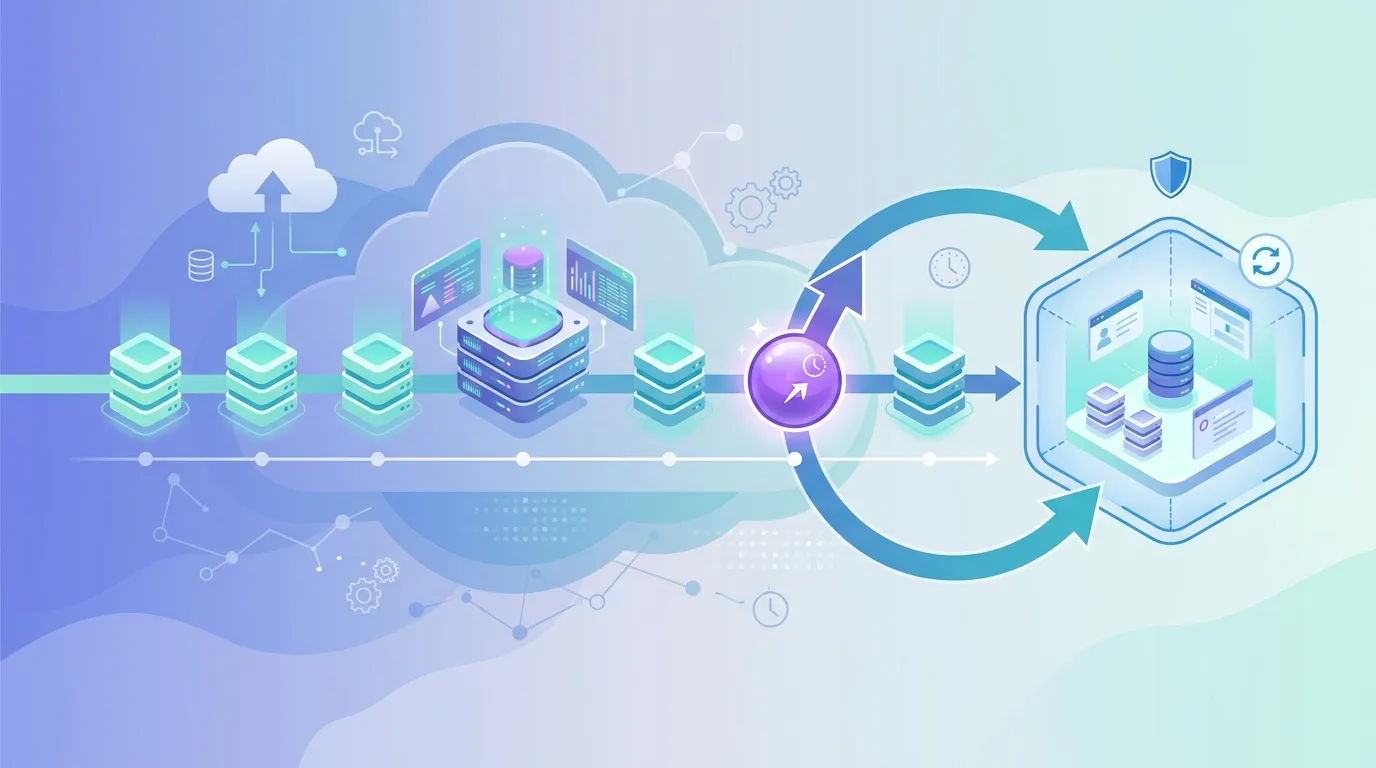
When everything works, a backup looks like a cost. When something fails, a backup can be the difference between a manageable incident and an improvised reconstruction.
But there is a frequent misconception: backups and snapshots are not the same thing.
1. List what needs to be recovered
Risk: believing that a Git repository is a sufficient backup. It protects code, but not a local database, user-uploaded files, secrets, manual configurations, or server state.
Before choosing a tool, list:
- Persistent application data.
- Infrastructure and deployment configuration.
- User-uploaded files.
- Data from databases running on the Droplet itself.
- Secrets and variables required to restore the service, stored securely.
- External dependencies required for the application to work again.
This list helps avoid a common trap: having a server backup but forgetting that critical data was stored in a volume, directory, bucket, local database, or manual configuration.
2. Distinguish backups from snapshots
Recommendation: have an explicit strategy for recovering persistent data, configuration, and the application. Use managed backups when appropriate, and understand the purpose of snapshots.
Managed backups help reduce the risk of loss after failures or human error, but you need to understand their coverage, retention, and behavior. Consult DigitalOcean’s documentation on backup features and behavior before relying on them in production.
Snapshots are generally useful as a point-in-time image of a Droplet’s state. For example, before a major change, you can create a snapshot as a reference for that moment. However, this does not replace a backup routine with appropriate retention, especially for data that changes frequently.
A practical way to think about it:
- Backup: recurring protection for recovery.
- Snapshot: a point-in-time capture for a change, migration, or state reference.
Both can be part of the strategy, but they address different needs.
3. Test restoration before an incident
Risk: having a backup but never having restored it. This creates a false sense of security. During an incident, the team may discover that a configuration is missing, certain files were not included, or the recovery time is longer than acceptable.
Perform a simple exercise:
- Choose a recent backup.
- Restore it in a separate environment.
- Start the application without affecting production.
- Verify that essential data, files, and configurations are present.
- Record the time taken.
- Note manual steps that should be automated or documented.
Two questions help turn backups into a business expectation:
- RPO: how much data is the team willing to lose?
- RTO: how long is the team willing to remain offline?
There is no need to turn this into an academic dissertation. For an internal administrative application, losing a few minutes of data may be acceptable; for a critical system, it may not be. The important thing is to discuss it in advance.
The trade-off is direct: more frequent backups and longer retention increase recovery capability, but they also affect costs. On the other hand, saving money by eliminating backups can be expensive precisely when the team has the least time to improvise.
And it is worth repeating: a backup improves recovery, but it does not prevent downtime during a single-Droplet failure. If that Droplet stops, the application stops with it until something is restored, replaced, or redirected.
Operational observability: knowing there is a problem before users do
Monitoring is not only about knowing whether the server is “on.” A Droplet may respond to a ping while the application is slow, the disk is full, or tasks cannot be processed.
Practical observability starts with simple, actionable signals.
1. Monitor useful signals
Risk: noticing problems only when users complain. This increases response time and often leads to rushed diagnoses.
Recommendation: monitor CPU, memory, disk, and network traffic. In addition, complement infrastructure metrics with application logs and metrics.
A minimum dashboard might track:
- CPU usage.
- Available memory.
- Disk space.
- Network traffic.
- Status of key processes.
- Application and web server logs.
- Application-specific metrics, when available.
For example, continuously growing disk usage may indicate excessive log retention, a rotation failure, or an accumulation of temporary files. If nobody monitors disk usage, the team may discover the problem only when the database can no longer write or a deploy fails.
Local commands help with point-in-time investigations:
bash df -h free -m top
They do not replace continuous monitoring, but they help confirm hypotheses during an incident.
2. Configure actionable alerts
Risk: too many alerts become noise. Too few alerts provide warnings too late. In both cases, the team gets used to operating in the dark.
Recommendation: configure alerts with appropriate thresholds, monitored channels, and an associated initial action.
For each alert, record:
- What triggered it?
- Who receives it?
- What is the first check?
- When should it be escalated?
- When should the threshold be silenced or adjusted?
DigitalOcean’s documentation on managing monitoring alerts can guide alert configuration within the platform.
Examples of actionable alerts:
- Disk usage above a defined threshold → check logs, temporary files, and upload growth.
- High CPU sustained over a period → identify the process, review traffic, and evaluate recent regressions.
- Low memory → investigate an abnormal-consuming process, a leak, or a capacity adjustment.
- Unexpected traffic → check for a genuine spike, abuse, an aggressive crawler, or a configuration error.
The trade-off lies in the thresholds:
- Highly sensitive thresholds detect problems early but generate noise.
- Permissive thresholds reduce noise but may warn too late.
- Thresholds without an owner are not alerts; they are messages lost in a channel.
For recurring incidents, write short procedures. A half-page document explaining “what to do when the disk fills up” already greatly reduces improvisation.
Organization, automation, and costs: operating without relying on team memory
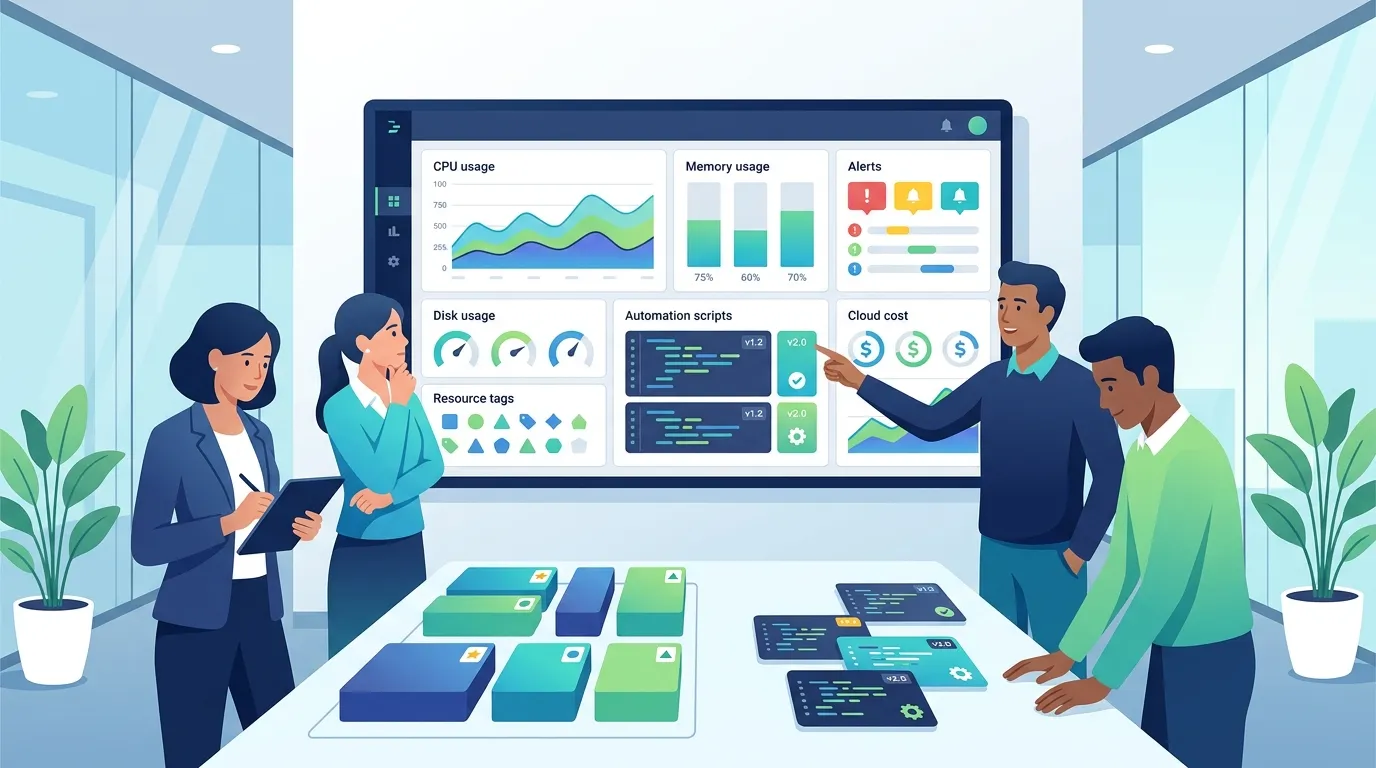
Production becomes fragile when the infrastructure exists only in one person’s head. This applies to resource names, open ports, deployment scripts, backups, domains, and costs.
The goal is not to bureaucratize everything. It is to make decisions visible.
1. Standardize resources
Risk: Droplets without clear names, inconsistent tags, and mixed projects make reviews, incident response, and cost control more difficult.
Recommendation: adopt consistent names, tags, projects, and environments. Distinguish production, staging, and development.
A simple convention could be:
- Droplet name:
prod-api-scheduling-01 - Tags:
env:prod,system:scheduling,owner:platform - Project: responsible application or area
- Documentation: domain, open ports, backup strategy, owners, and recovery procedure
The goal is to answer quickly:
- Who owns this Droplet?
- Is it in production?
- Can it be shut down?
- Does it have a backup?
- Which system depends on it?
- Who should be notified in case of an incident?
Tags for environment, system, and cost center help identify resources that should have been shut down or removed. The benefit is especially visible at two moments: when the bill arrives and when something breaks.
In addition, if your team is developing its engineering practices and wants to complement operational work with structured study, it may be worth exploring Arandu’s material in Portuguese as supplementary reading. Use this type of resource to support continuous learning, not as a substitute for reviewing your own infrastructure in practice.
2. Automate what needs to be repeatable
Risk: deployment, firewall configuration, user creation, and service setup performed manually tend to vary. During an incident, this variation makes it harder to rebuild the environment.
Recommendation: version infrastructure and configuration whenever possible. Start small: reviewable, documented scripts already reduce risk considerably.
Identify recurring tasks:
- Resource creation.
- Firewall configuration.
- Initial provisioning.
- Dependency installation.
- Deployment.
- Rollback.
- Backup and restoration routines.
You do not need to start with a complex platform. A short, versioned, reviewed script can be the first step:
bash
!/usr/bin/env bash
set -euo pipefail
sudo apt update sudo apt upgrade -y sudo systemctl restart nginx
This example is intentionally simple. In production, you would need to evaluate the maintenance window, restart impact, post-deployment tests, and rollback. The point is that even a small script makes explicit what was previously scattered across commands typed from memory.
The trade-off is also clear:
- Automation requires initial investment and maintenance.
- Doing everything manually seems faster on day one.
- However, when the environment needs to be reproduced or recovered, a manual process that exists only “in someone’s head” tends to fail.
High availability, more robust automation, and managed services may make sense as the application’s criticality, cost, RPO, RTO, and the team’s operational capacity evolve. They do not need to be treated as mandatory for every project, but neither should they be dismissed through inertia.
3. Review costs in context
Risk: costs grow because of forgotten resources, oversized capacity, old snapshots, attached disks, and temporary environments that became permanent.
Recommendation: review costs periodically as part of operations, not only when the bill comes as a shock.
A simple routine can check:
- Unused resources.
- Active temporary environments.
- Oversized capacity.
- Backups retained beyond their useful period.
- Old snapshots.
- Unused volumes.
- Resources without tags or an owner.
Avoid cuts that reduce recoverability or security without a risk analysis. Disabling backups to save money may be a poor technical decision if the application stores important data. Likewise, removing monitoring because it “almost never triggers” may simply hide problems.
A good cost review is not a blind hunt for pennies. It is about understanding which resources support value, security, and recovery—and which are present only because nobody remembered to remove them.
Review checklist for existing Droplet infrastructure
Use this checklist as a starting point for prioritization. It is not a maturity certificate, a seniority badge, or a guarantee of availability. It is a practical way to find weaknesses and decide on next steps.
Access and operating system
- [ ] Each person uses their own SSH key; there are no shared keys without an owner.
- [ ] Direct login as
roothas been reviewed. - [ ] Administrative access follows the principle of least privilege.
- [ ] Old users, keys, and permissions have been removed.
- [ ] A routine for security updates has been defined.
- [ ] The team knows how to revoke access when someone changes projects or leaves the organization.
- [ ] Relevant administrative changes are recorded or automated.
Network and exposure
- [ ] The firewall allows only the required ports and sources.
- [ ] SSH is not unrestricted without an explicit justification.
- [ ] Internal services are not publicly exposed without need.
- [ ] Databases, queues, and administrative panels have restricted access rules.
- [ ] Resources that communicate internally use a VPC when appropriate.
- [ ] The team has validated the region and VPC of resources that need to communicate.
Recovery and continuity
- [ ] Backups are enabled and their coverage has been validated.
- [ ] The team knows which data is persistent and where it is stored.
- [ ] Backups and snapshots are used for different, understood purposes.
- [ ] Restoration has already been tested or a test has been scheduled.
- [ ] Acceptable downtime and data loss have been discussed for the application.
- [ ] The configurations required for restoration are documented or versioned.
- [ ] The team recognizes that a single Droplet remains a single point of failure.
Monitoring and operations
- [ ] CPU, memory, disk, and network are monitored.
- [ ] Relevant alerts reach a monitored channel.
- [ ] Alerts have a documented initial action.
- [ ] Application logs and metrics complement infrastructure monitoring.
- [ ] Short procedures exist for recurring incidents.
- [ ] The team reviews noisy or useless alerts instead of simply ignoring them.
Organization, automation, and costs
- [ ] Droplets, projects, and tags identify the environment, system, and owner.
- [ ] Critical configurations can be reproduced without relying on one person’s memory.
- [ ] Important scripts and automations are versioned.
- [ ] Resources and charges are reviewed periodically.
- [ ] Temporary environments, snapshots, and unused resources are removed when no longer needed.
- [ ] Cost reductions are evaluated considering their impact on security and recovery.
Next steps
If you are reviewing existing infrastructure, do not try to solve everything in one day. Start with the actions that reduce the most risk with the least ambiguity:
- Review SSH access and users. Remove old keys, avoid sharing, and reduce privileges.
- Close unnecessary exposure. Adjust the firewall and restrict internal services.
- Validate backups. Confirm what is covered and test a restoration.
- Configure useful alerts. Start with disk, CPU, memory, and availability as experienced by the application.
- Document essential decisions. Owners, ports, domains, backup, restore, and deployment.
- Automate repeatable work. Start with simple scripts, then adopt more robust tools if appropriate.
- Review costs in context. Remove waste without sacrificing security or recovery.
Reliable production emerges from incremental improvements. A single Droplet can be a good starting point, as long as the team understands its limits and treats operations as part of the product.
To exchange experiences about operating software in production, join the SCCB community.