
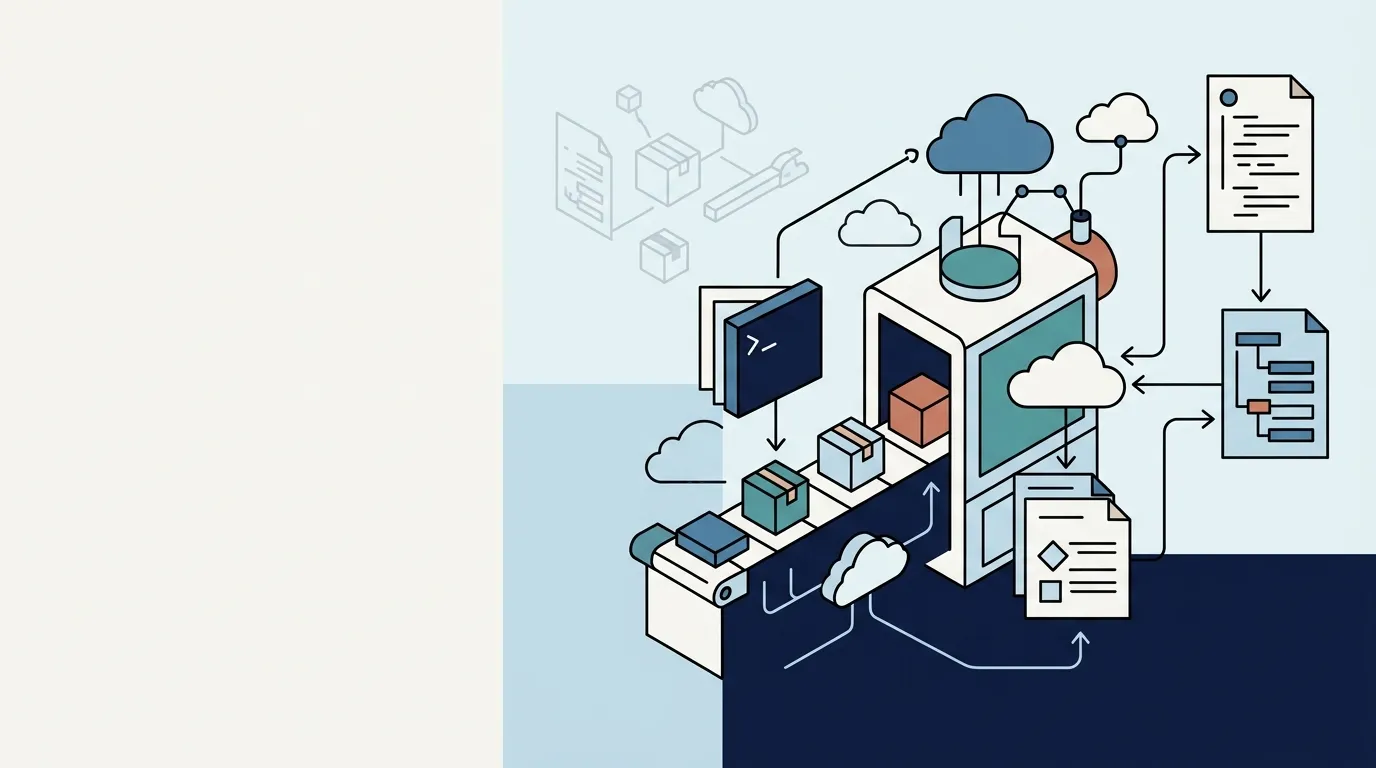
Every time you reformat your machine, you open that thirty-step README and start copying commands one by one. Somewhere around step 14, something breaks, you improvise, forget to document it, and six months later the next developer—or you—has to suffer through it again. Manual setup is not productivity; it is technical debt paid with your time.
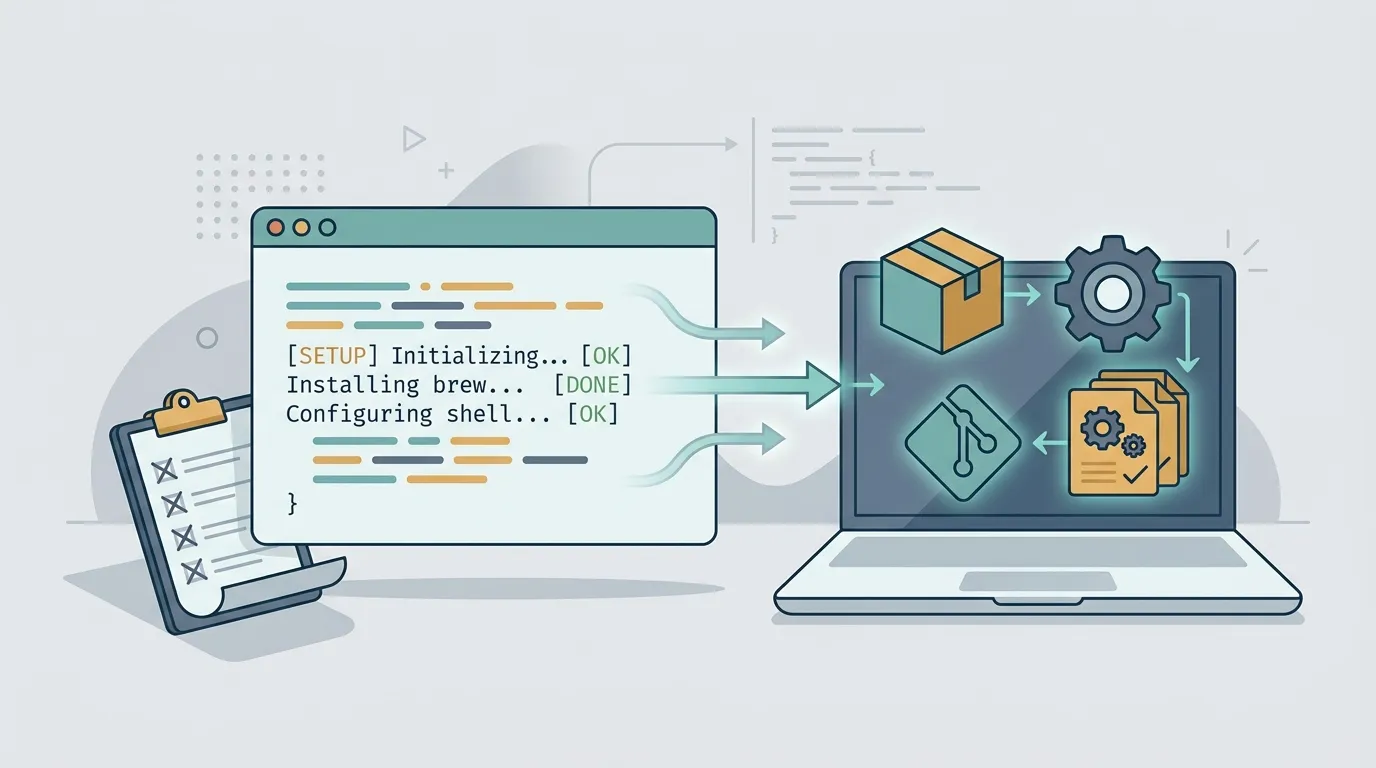
Manual setup is a silent bug factory
The problem with doing things step by step by hand is not the tedium—it is divergence. You install Node 20, your teammate uses 18, and CI runs 22. Nobody is wrong according to the README; the README simply does not describe what is actually running on each machine.
Every manual adjustment is a state nobody versions. I had to export a variable in zshrc becomes tribal knowledge, disappears when that person leaves, and returns as a two-hour bug. The right question is not how do I install this? but how do I make the machine install itself?
Idempotent bootstrapping: run it ten times, get the same result
The central piece is a bootstrap script—a setup.sh (or .ps1) that takes a machine from zero to a ready-to-use environment. The golden rule is idempotence: running it once or ten times must produce exactly the same result, without duplicating lines in a file or breaking when a tool already exists.
In practice, this means checking before taking action:
bash if ! command -v gh >/dev/null 2>&1; then brew install gh fi
Package managers help because they are already idempotent: running brew install for an existing package does not cause damage. The enemy is the blind >> append—run it twice and your .zshrc gets the same line twice. Prefer generating the entire file from a template instead of piling up echo commands.
Let the package manager handle the dirty work
Downloading a .dmg, dragging it to Applications, and accepting a license does not scale or automate well. A package manager turns installation into a declarative list: you say what you want, and it figures out how to install it.
- macOS: Homebrew, with a
Brewfilethat lists everything (brew bundle). - Linux: apt/dnf/pacman for the system, plus a version manager (asdf, mise) for languages.
- Windows: winget or Scoop, which finally provide a genuinely scriptable path.
The benefit disappears if you keep installing those other three things manually. If it is part of the environment, it belongs in the list. The Brewfile (or equivalent) becomes the source of truth for what your machine needs—and a Git diff tells the story of every change.
Dotfiles in Git: your configuration stops living only in your head
Your .zshrc, .gitconfig, editor configuration, aliases—these are code, so treat them as code. A dotfiles repository versions your configuration and lets you reproduce it anywhere with a git clone and a symlink.
You do not need a framework: a Git directory and a script that creates symbolic links (ln -sf) already solve 90% of the cases. The real benefit is not backup—it is history. When an alias starts behaving strangely, git log shows you what changed and when. Also separate what is public from what is secret: tokens and private keys do not belong in the repository; use a local .env file, a vault, or system variables instead.
If it has not passed on a clean machine, it does not exist
This is where the trap lies: your script works because your machine already has half the dependencies installed. The only proof that the bootstrap works is running it in a clean environment, where nothing is assumed.
You have inexpensive options: a Docker container (docker run -it ubuntu bash), a disposable VM, or—the most honest option—a CI job that starts from scratch and runs your setup.sh on every push. If GitHub Actions can install your environment on a pristine image, any new teammate will be able to do it too. It is the same principle as an automated test: without execution in a controlled environment, it is just hope.
Start small, today
Do not stop the world to build perfect automation. The next time you solve something manually, spend two extra minutes and put the command in a setup.sh. The following week, move your .zshrc to a repository. Then run the script in a container and see what breaks.
Before long, you will replace the thirty-step README with a single command—and a new machine will be productive before you finish your coffee.